Pong Game
Note
🌟 Welcome to the SunFounder Facebook Community! Whether you’re into Raspberry Pi, Arduino, or ESP32, you’ll find inspiration, help ideas here.
✅ Be the first to get free learning resources.
✅ Stay updated on new products & exclusive giveaways.
✅ Share your creations and get real feedback.
Kit purchase
Looking for parts? Check out our all-in-one kits below — packed with components, beginner-friendly guides, and tons of fun.
Name |
Includes Arduino board |
PURCHASE LINK |
|---|---|---|
Ultimate Sensor Kit |
Arduino Uno R4 Minima |
|
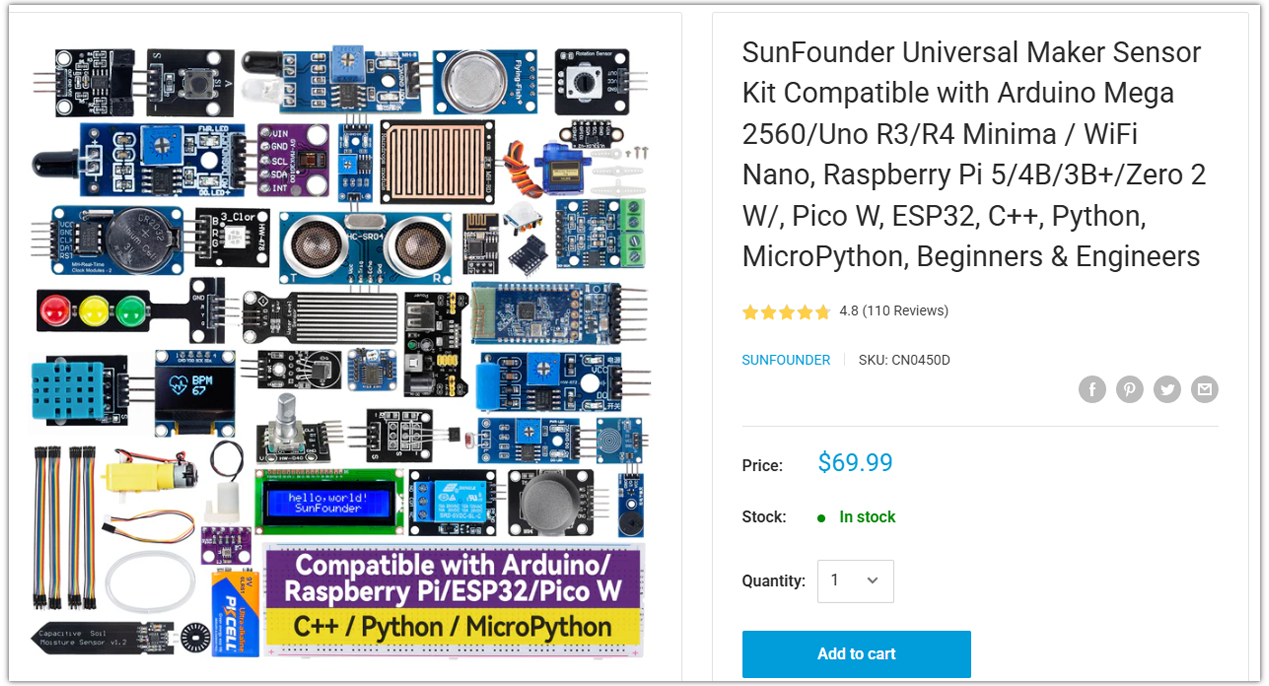
Universal Maker Sensor Kit |
× |
Course Introduction
In this lesson, you’ll learn how to use a OLED Display Module, two buttons with the Arduino R4 UNO to create a Pong Game. We’ll cover using the Adafruit SSD1306 and GFX libraries to display on the screen.
The OLED Screen will display the game screen, and players can use button to control the game.
Note
If this is your first time working with an Arduino project, we recommend downloading and reviewing the basic materials first.
Required Components
In this project, we need the following components:
SN |
COMPONENT INTRODUCTION |
QUANTITY |
PURCHASE LINK |
|---|---|---|---|
1 |
Arduino UNO R4 Wifi |
1 |
|
2 |
USB Type-C cable |
1 |
|
3 |
Breadboard |
1 |
|
4 |
Wires |
Several |
|
5 |
Button |
2 |
|
6 |
OLED Display Module |
1 |
Wiring

Common Connections:
OLED Display Module
SDA: Connect to SDA on the Arduino.
SCK: Connect to SCL on the Arduino.
GND: Connect to breadboard’s negative power bus.
VCC: Connect to breadboard’s red power bus.
Writing the Code
Note
You can copy this code into Arduino IDE.
To install the library, use the Arduino Library Manager and search for Adafruit SSD1306 and Adafruit GFX and install it.
Don’t forget to select the board(Arduino UNO R4 WIFI) and the correct port before clicking the Upload button.
#include <SPI.h>
#include <Wire.h>
#include <Adafruit_GFX.h>
#include <Adafruit_SSD1306.h>

// Button pins
#define UP_BUTTON    3
#define DOWN_BUTTON  2

// OLED display sized
#define SCREEN_WIDTH 128
#define SCREEN_HEIGHT 64
// OLED reset pin
#define OLED_RESET   4
Adafruit_SSD1306 display(SCREEN_WIDTH, SCREEN_HEIGHT, &Wire, OLED_RESET);

// === Ball settings ===
// How often (ms) we update the ball’s position
const unsigned long BALL_RATE = 16;
// Current x/y position of the ball
int  ball_x       = SCREEN_WIDTH / 2;
int  ball_y       = SCREEN_HEIGHT / 2;
// How many pixels the ball moves each update
int  ball_speed   = 1;
// Direction: +1 means right/down, −1 means left/up
int8_t ball_dir_x = 1, ball_dir_y = 1;

// === Paddle settings ===
// How often (ms) we update paddles
const unsigned long PADDLE_RATE = 33;
// Paddle height in pixels
const uint8_t PADDLE_H = 16;
// X position of the CPU’s paddle
const uint8_t CPU_X = 12;
// Current y position of the CPU paddle
int8_t cpu_y = 16;
// X position of the player’s paddle
const uint8_t PLAYER_X = 115;
// Current y position of the player paddle
int8_t player_y = 16;
// How many pixels the player paddle moves per button press
int paddle_spd = 3;

// For timing the updates
unsigned long ball_update, paddle_update;

// === Score and game state ===
uint8_t player_score = 0;
uint8_t cpu_score    = 0;
bool    game_over    = false;

void setup() {
  Serial.begin(115200);

  // Initialize random starting direction
  randomSeed(analogRead(A0));
  ball_dir_x = random(0, 2) * 2 - 1;
  ball_dir_y = random(0, 2) * 2 - 1;

  // Start the OLED display
  display.begin(SSD1306_SWITCHCAPVCC, 0x3C);
  display.clearDisplay();

  // Draw the border once at startup
  drawCourt();
  display.display();

  // Set up button inputs
  pinMode(UP_BUTTON, INPUT);
  pinMode(DOWN_BUTTON, INPUT);

  // Pause briefly so you can see the court before play begins
  delay(2000);

  // Show the initial score
  displayScore();
  display.display();

  // Initialize the update timers
  ball_update   = millis();
  paddle_update = ball_update;
}

void loop() {
  // If the game has ended, do nothing further
  if (game_over) return;

  unsigned long now = millis();
  bool updated = false;

  // === Move the ball if it’s time ===
  if (now >= ball_update) {
    ball_update += BALL_RATE;

    int new_x = ball_x + ball_dir_x * ball_speed;
    int new_y = ball_y + ball_dir_y * ball_speed;

    // Bounce off top and bottom edges
    if (new_y <= 0 || new_y >= SCREEN_HEIGHT - 1) {
      ball_dir_y = -ball_dir_y;
      new_y += ball_dir_y * ball_speed;
    }

    // Bounce off the CPU paddle
    if (new_x <= CPU_X + 1
        && ball_x > CPU_X + 1
        && new_y >= cpu_y
        && new_y <= cpu_y + PADDLE_H) {
      ball_dir_x = -ball_dir_x;
      new_x = CPU_X + 1;  // Prevent clipping into the paddle
      ball_speed++;       // Speed up on each hit
    }

    // Bounce off the player’s paddle
    if (new_x >= PLAYER_X - 1
        && ball_x < PLAYER_X - 1
        && new_y >= player_y
        && new_y <= player_y + PADDLE_H) {
      ball_dir_x = -ball_dir_x;
      new_x = PLAYER_X - 1;
      ball_speed++;
    }

    // Check left/right edges for a score and reset
    if (new_x <= 0) {
      // Ball hit CPU’s side → player scores
      player_score++;
      resetBall();
    }
    else if (new_x >= SCREEN_WIDTH - 1) {
      // Ball hit player’s side → CPU scores
      cpu_score++;
      resetBall();
    }
    else {
      // No score: update ball position normally
      ball_x = new_x;
      ball_y = new_y;
    }

    updated = true;
  }

  // === Move the paddles if it’s time ===
  if (now >= paddle_update) {
    paddle_update += PADDLE_RATE;

    // CPU paddle follows the ball slowly
    int8_t mid = cpu_y + (PADDLE_H >> 1);
    if (mid < ball_y) cpu_y++;
    if (mid > ball_y) cpu_y--;
    cpu_y = constrain(cpu_y, 1, SCREEN_HEIGHT - 1 - PADDLE_H);

    // Player paddle moves on button press
    if (digitalRead(UP_BUTTON)   == LOW) player_y -= paddle_spd;
    if (digitalRead(DOWN_BUTTON) == LOW) player_y += paddle_spd;
    player_y = constrain(player_y, 1, SCREEN_HEIGHT - 1 - PADDLE_H);

    updated = true;
  }

  // === Redraw everything if something moved ===
  if (updated) {
    display.clearDisplay();
    drawCourt();
    displayScore();

    // Draw CPU paddle (4 pixels wide for visibility)
    display.fillRect(CPU_X - 1, cpu_y - 1, 4, PADDLE_H + 2, WHITE);
    // Draw player paddle
    display.fillRect(PLAYER_X - 1, player_y - 1, 4, PADDLE_H + 2, WHITE);
    // Draw ball as a 5×5 square
    display.fillRect(ball_x - 2, ball_y - 2, 5, 5, WHITE);

    display.display();
  }

  // === Check for end‑of‑game ===
  if (player_score >= 3 || cpu_score >= 3) {
    game_over = true;

    // Decide which message to show
    String msg = (player_score >= 3) ? "You win!" : "You lose!";

    // Calculate text centering
    uint8_t ts    = 2;                   // Text size
    uint8_t charW = 6 * ts;              // Character width in pixels
    uint8_t textW = msg.length() * charW;
    uint8_t textH = 8 * ts;              // Character height in pixels
    int16_t x     = (SCREEN_WIDTH  - textW) / 2;
    int16_t y     = (SCREEN_HEIGHT - textH) / 2;

    // Show the final message
    display.clearDisplay();
    display.setTextSize(ts);
    display.setTextColor(WHITE);
    display.setCursor(x, y);
    display.print(msg);
    display.display();
  }
}

// Draw the outer border of the court
void drawCourt() {
  display.drawRect(0, 0, SCREEN_WIDTH, SCREEN_HEIGHT, WHITE);
}

// Display the current score at the top center
void displayScore() {
  display.fillRect((SCREEN_WIDTH / 2) - 20, 10, 60, 10, BLACK);
  display.setTextSize(1);
  display.setTextColor(WHITE);
  display.setCursor((SCREEN_WIDTH / 2) - 20, 10);
  display.print(cpu_score);
  display.print(" - ");
  display.print(player_score);
}

// Reset the ball to the center and set a new random direction
void resetBall() {
  ball_speed   = 1;
  ball_x       = SCREEN_WIDTH / 2;
  ball_y       = SCREEN_HEIGHT / 2;
  ball_dir_x   = (ball_dir_x > 0 ? -1 : 1);
  ball_dir_y   = random(0, 2) * 2 - 1;
}