PIN Lock 1.0
Note
🌟 Welcome to the SunFounder Facebook Community! Whether you’re into Raspberry Pi, Arduino, or ESP32, you’ll find inspiration, help ideas here.
✅ Be the first to get free learning resources.
✅ Stay updated on new products & exclusive giveaways.
✅ Share your creations and get real feedback.
Kit purchase
Looking for parts? Check out our all-in-one kits below — packed with components, beginner-friendly guides, and tons of fun.
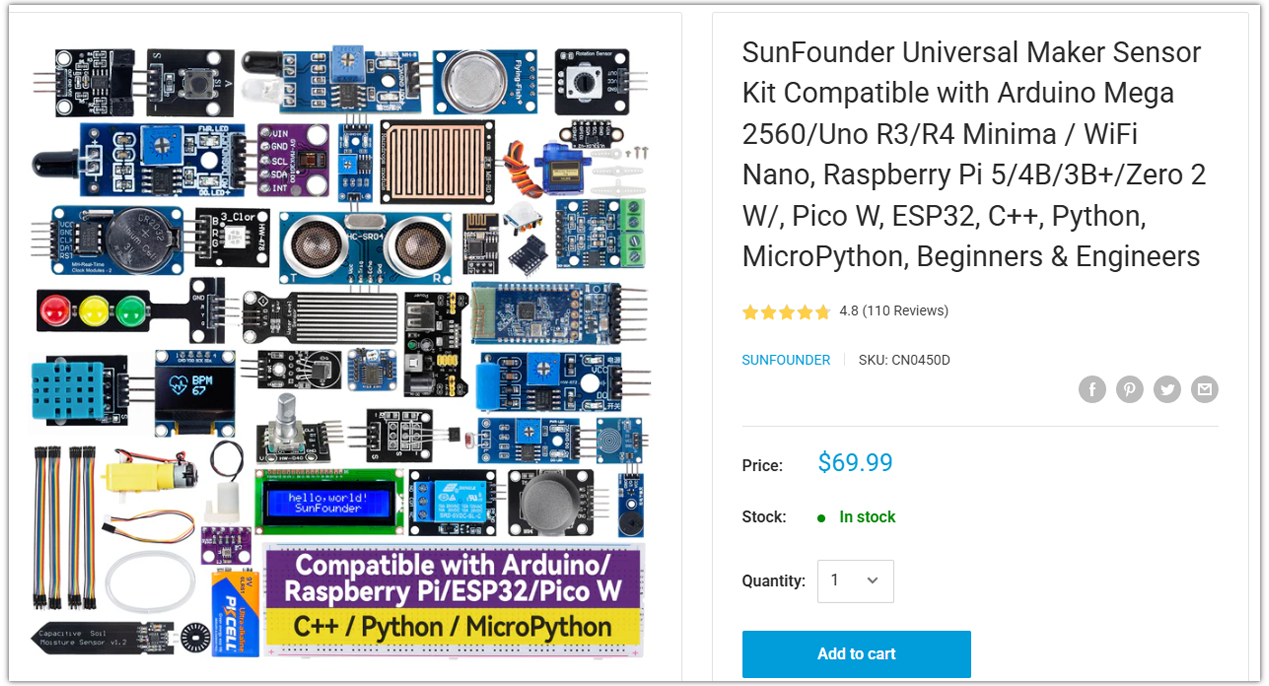
Name |
Includes Arduino board |
PURCHASE LINK |
|---|---|---|
Ultimate Sensor Kit |
Arduino Uno R4 Minima |
|
Universal Maker Sensor Kit |
× |
Course Introduction
This project creates a PIN lock system with an Arduino, a 4×4 keypad, servo, LED, and buzzer.
Users enter the PIN to unlock the servo door. The LED shows lock status, and the buzzer gives audio feedback for key presses, success, and errors.
Note
If this is your first time working with an Arduino project, we recommend downloading and reviewing the basic materials first.
Required Components
In this project, we need the following components:
SN |
COMPONENT INTRODUCTION |
QUANTITY |
PURCHASE LINK |
|---|---|---|---|
1 |
Arduino UNO R4 Minima/Arduino UNO R4 WIFI |
1 |
|
2 |
USB Type-C cable |
1 |
|
3 |
Breadboard |
1 |
|
4 |
Wires |
Several |
|
5 |
Passive buzzer |
1 |
|
6 |
KeyPad |
1 |
|
7 |
LED |
1 |
|
8 |
Digital Servo Motor |
1 |
|
9 |
1kΩ resistor |
1 |
Wiring

Common Connections:
Keypad
RowPins: Connect to 5 to 8 on the Arduino.
ColPins: Connect to 9 to 12 on the Arduino.
Digital Servo Motor
Connect to breadboard’s positive power bus.
Connect to breadboard’s negative power bus.
Connect to 9 on the Arduino.
Passive buzzer
+: Connect to 2 on the Arduino.
-: Connect to breadboard’s negative power bus.
LED
Connect the LEDs cathode to the negative power bus on the breadboard, and the LED anode to a 1kΩ resistor then to 3 on the Arduino.
Writing the Code
Note
You can copy this code into Arduino IDE.
To install the library, use the Arduino Library Manager and search for Adafruit_Keypad install it.
Don’t forget to select the board(Arduino UNO R4 WIFI) and the correct port before clicking the Upload button.
#include <Adafruit_Keypad.h>
#include <Servo.h>

// -------- Pins --------
const int PIN_SERVO  = 2;  // Servo signal on D2
const int PIN_LED_R  = 3;  // Red LED on D3
const int PIN_BUZZER = 4;  // Buzzer on D4

// -------- Keypad --------
const byte ROWS = 4, COLS = 4;
// If '#' becomes 'D' on your keypad, switch to VARIANT 1.
#define KEYPAD_VARIANT 0
#if KEYPAD_VARIANT == 0
char keys[ROWS][COLS] = {
  {'1','2','3','A'},
  {'4','5','6','B'},
  {'7','8','9','C'},
  {'*','0','#','D'}
};
#else
char keys[ROWS][COLS] = {
  {'1','2','3','A'},
  {'4','5','6','B'},
  {'7','8','9','C'},
  {'*','0','D','#'}
};
#endif
byte rowPins[ROWS] = {5, 6, 7, 8};
byte colPins[COLS] = {9, 10, 11, 12};
Adafruit_Keypad keypad = Adafruit_Keypad(makeKeymap(keys), rowPins, colPins, ROWS, COLS);

// -------- Servo (smooth, non-blocking) --------
Servo door;
int currentAngle = 90;                 // locked posture
int targetAngle  = 90;
bool servoIsAttached = false;
unsigned long lastStepAt = 0;
const unsigned long stepInterval = 15; // 1° per 15ms

// -------- App State --------
enum State { STATE_LOCKED, STATE_INPUT, STATE_ACTION };
State state = STATE_LOCKED;

String pinCode = "1234";
const byte PIN_LEN = (byte)pinCode.length();
String inputBuf = "";

// -------- Error red LED blink scheduler (non-blocking) --------
const int ERROR_BLINK_COUNT = 6;       // how many blinks on error
int errBlinkToggles = 0;               // internal: toggles = blinks * 2
unsigned long lastErrBlinkAt = 0;
const unsigned long errBlinkInterval = 120; // ms between toggles
bool redBlinkState = false;            // internal toggle state

// -------- Buzzer feedback (tone uses Timer2; Servo uses Timer1 on UNO) --------
void beepKey()    { tone(PIN_BUZZER, 1800, 40); }                    // short key click
void beepOK()     { tone(PIN_BUZZER, 900, 120); delay(20); tone(PIN_BUZZER, 1400, 120); } // small sync gap
void beepError()  { tone(PIN_BUZZER, 350, 220); }                    // low, longer
void beepAction() { tone(PIN_BUZZER, 1200, 50); }                    // enter action hint

// -------- LED helpers --------
void setLED(bool r) { digitalWrite(PIN_LED_R, r ? HIGH : LOW); }
void setLockedLED() { setLED(true); }   // red ON when locked
void setIdleLED()   { setLED(false); }  // red OFF during input/action

void triggerErrorBlink() {
  // N blinks => 2N toggles
  errBlinkToggles = ERROR_BLINK_COUNT * 2;
  redBlinkState = false;
  lastErrBlinkAt = 0; // force immediate
}

// -------- Servo helpers --------
void servoAttachOnce() {
  if (!servoIsAttached) {
    door.attach(PIN_SERVO);
    servoIsAttached = true;
    door.write(currentAngle);  // sync immediately to avoid jump
    delay(10);                 // tiny settle for first pulse
  }
}
void servoDetachIfIdle() {
  if (servoIsAttached) {
    door.detach();
    servoIsAttached = false;
  }
}
void setTarget(int ang) {
  targetAngle = constrain(ang, 0, 180);
  if (currentAngle != targetAngle) {
    servoAttachOnce();
    lastStepAt = millis();     // start stepping
  }
}
bool atTarget() { return currentAngle == targetAngle; }

void tickServo(unsigned long now) {
  if (currentAngle == targetAngle) { servoDetachIfIdle(); return; }
  if ((long)(now - lastStepAt) >= (long)stepInterval) {
    lastStepAt = now;
    currentAngle += (currentAngle < targetAngle) ? 1 : -1;
    door.write(currentAngle);
  }
}

// -------- Action sequence --------
const int lockAngle = 90;
const int openAngle = 0;
enum ActionPhase { PHASE_IDLE, PHASE_TO_ZERO, PHASE_WAIT_1S, PHASE_BACK_TO_90 };
ActionPhase actionPhase = PHASE_IDLE;
unsigned long actionPhaseStart = 0;

void startActionSequence() {
  actionPhase = PHASE_TO_ZERO;
  actionPhaseStart = millis();
  setTarget(openAngle);
  beepAction();    // brief audible hint
  setIdleLED();    // unlocked visual: red OFF
}

void updateActionSequence(unsigned long now) {
  switch (actionPhase) {
    case PHASE_TO_ZERO:
      if (atTarget()) {
        actionPhase = PHASE_WAIT_1S;
        actionPhaseStart = now;
      }
      break;
    case PHASE_WAIT_1S:
      if ((long)(now - actionPhaseStart) >= 1000) {
        actionPhase = PHASE_BACK_TO_90;
        setTarget(lockAngle);
      }
      break;
    case PHASE_BACK_TO_90:
      if (atTarget()) {
        actionPhase = PHASE_IDLE;
        state = STATE_LOCKED;
        setLockedLED(); // red ON again
      }
      break;
    default: break;
  }
}

// -------- State transitions --------
void enterState(State s) {
  state = s;
  if (s == STATE_LOCKED) {
    inputBuf = "";
    setTarget(lockAngle);
    setLockedLED();             // red ON
  } else if (s == STATE_INPUT) {
    inputBuf = "";
    setIdleLED();               // red OFF
  } else if (s == STATE_ACTION) {
    startActionSequence();
  }
}

// -------- Key handling --------
void handleKey(char k) {
  if (state == STATE_LOCKED) {
    if (k == '*') {
      // NEW: give audible feedback when entering INPUT from LOCKED
      beepKey();                // <-- added so '*' immediately clicks
      enterState(STATE_INPUT);
    }
    return;
  }

  if (state == STATE_INPUT) {
    // audible key click for every key during input
    beepKey();

    if (k >= '0' && k <= '9') {
      if (inputBuf.length() < PIN_LEN) inputBuf += k;
    } else if (k == 'D') {
      if (inputBuf.length() > 0) inputBuf.remove(inputBuf.length()-1);
    } else if (k == 'C') {
      inputBuf = "";
    } else if (k == '#' || k == 'A') {
      if (inputBuf.length() == PIN_LEN && inputBuf == pinCode) {
        beepOK();
        enterState(STATE_ACTION);
      } else {
        beepError();
        triggerErrorBlink(); // red LED quick-blink N times
        inputBuf = "";
      }
    }
    return;
  }

  if (state == STATE_ACTION) {
    // ignore keys during action
    return;
  }
}

// -------- LED scheduler (handles error blink) --------
void tickLEDs(unsigned long now) {
  if (errBlinkToggles > 0) {
    if (lastErrBlinkAt == 0 || (long)(now - lastErrBlinkAt) >= (long)errBlinkInterval) {
      lastErrBlinkAt = now;
      redBlinkState = !redBlinkState;
      digitalWrite(PIN_LED_R, redBlinkState ? HIGH : LOW);
      errBlinkToggles--;
      if (errBlinkToggles == 0) {
        // restore LED according to current state
        if (state == STATE_LOCKED) setLockedLED();
        else setIdleLED();
      }
    }
  }
}

// -------- Setup & Loop --------
void setup() {
  pinMode(PIN_LED_R, OUTPUT);
  pinMode(PIN_BUZZER, OUTPUT);
  setLockedLED();

  keypad.begin();

  // Servo boot settle at 90°, keep pulses a while, then detach
  currentAngle = lockAngle;
  targetAngle  = lockAngle;
  door.attach(PIN_SERVO);
  servoIsAttached = true;
  door.write(currentAngle);
  delay(700);
  servoDetachIfIdle();

  enterState(STATE_LOCKED);
}

void loop() {
  unsigned long now = millis();

  // keypad events
  keypad.tick();
  while (keypad.available()) {
    keypadEvent e = keypad.read();
    if (e.bit.EVENT == KEY_JUST_PRESSED) handleKey((char)e.bit.KEY);
  }

  // servo smoothing
  tickServo(now);

  // action phases
  if (state == STATE_ACTION) updateActionSequence(now);

  // LED blink scheduler
  tickLEDs(now);
}