备注
您好,欢迎加入 SunFounder Raspberry Pi & Arduino & ESP32 爱好者 Facebook 社区!与众多爱好者一起深入探索 Raspberry Pi、Arduino 和 ESP32。
为什么要加入?
专家支持:获得来自我们社区和团队的售后问题及技术挑战方面的帮助。
学习与分享:交流技巧和教程,提升您的技能。
独家预览:抢先获取新产品公告和先睹为快的机会。
特别折扣:享受我们最新产品的独家折扣。
节日促销与赠品:参与赠品和节日促销活动。
👉 准备好与我们一同探索和创造了吗?点击 [here],立即加入!
12. 使用 APP 控制 PiDog
在本课中,您将学习如何使用 SunFounder Controller App 来控制您的 PiDog。这种方式让操控您的机器狗变得更加直观和互动。
您需要先在手机/平板上下载 APP,然后连接到 PiDog 的 WLAN,最后在 SunFounder Controller 上创建您自己的遥控器来控制 PiDog。
使用 APP 控制 PiDog
要通过 SunFounder Controller App 控制 PiDog,请按照以下步骤操作:
从 APP Store(iOS) 或 Google Play(Android) 安装 SunFounder Controller。
设置所需的模块。
需要先安装
robot-hat、vilib和pidog模块,详情请参见:安装所有模块(重要) 部分。robot-hatvilibpidog
然后,安装
sunfounder-controller模块:cd ~ git clone https://github.com/sunfounder/sunfounder-controller.git cd ~/sunfounder-controller sudo python3 setup.py install
执行以下命令启动控制脚本:
cd ~/pidog/examples
sudo python3 12_app_control.py
脚本成功运行后,您将看到类似以下提示:
Running on: http://192.168.18.138:9000/mjpg

* Serving Flask app "vilib.vilib" (lazy loading)
* Environment: development
* Debug mode: off
* Running on http://0.0.0.0:9000/ (Press CTRL+C to quit)
这表示您的 PiDog 已准备好进行网络通信。
连接 PiDog 和 Sunfounder Controller。
将您的手机/平板连接到与 PiDog 相同的 WLAN。
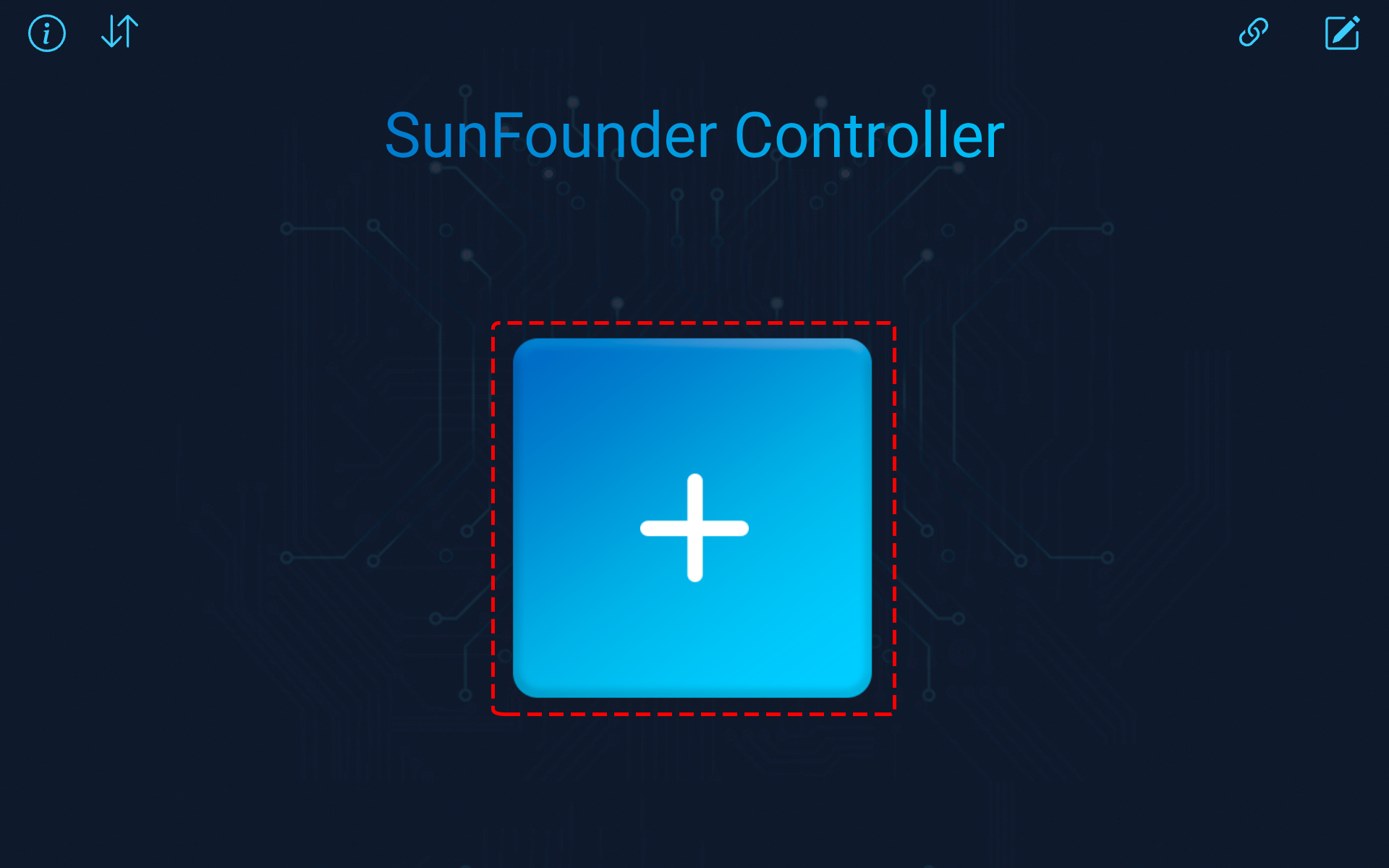
打开 Sunfounder Controller APP。点击 + 图标添加一个控制器。
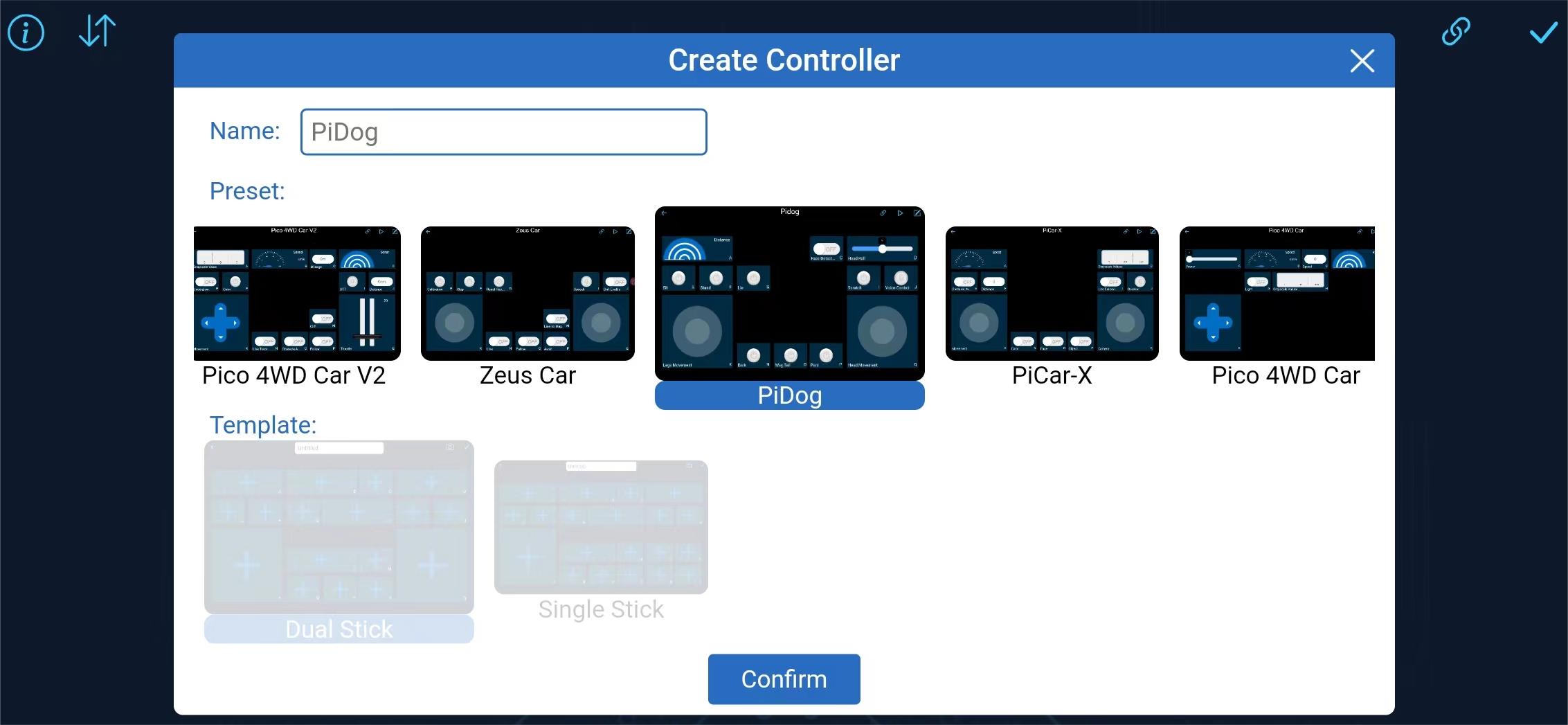
某些产品提供了预设控制器,这里我们选择 PiDog。为其命名,或直接点击 Confirm。
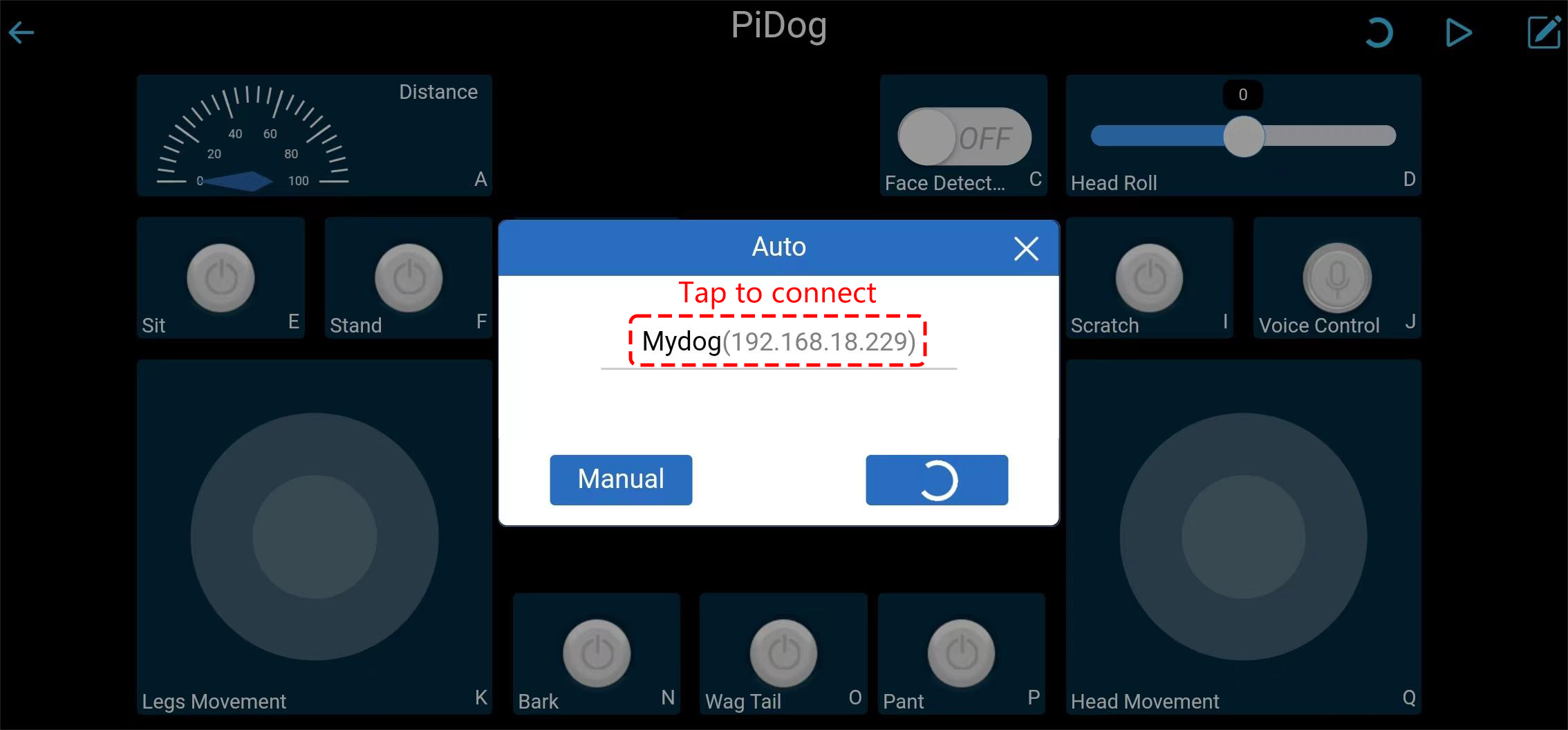
进入后,APP 将自动搜索 Mydog。稍等片刻,您将看到 “Connected Successfully” 的提示。
备注
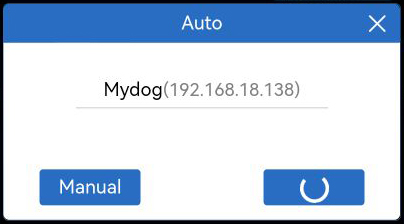
您也可以手动点击
 按钮。等待几秒钟,MyDog(IP) 将出现,点击它进行连接。
运行控制器。
当出现 “Connected Successfully” 提示时,点击右上角的 ▶ 按钮。
摄像头拍摄的画面将显示在 APP 上,现在您可以使用这些控件来操控您的 PiDog 了。
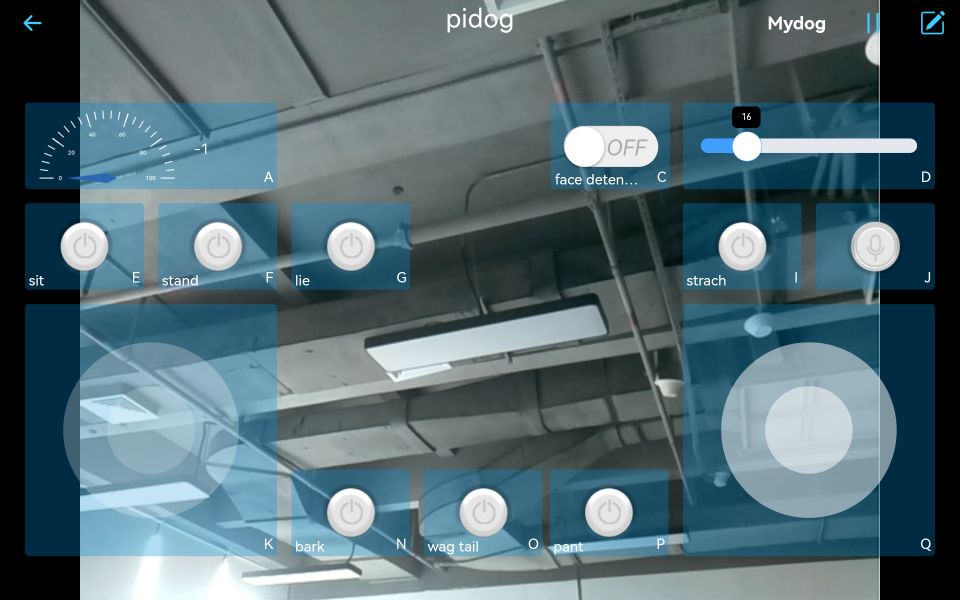
以下是各个控件的功能。
A: Detect the obstacle distance, that is, the reading of the ultrasonic module.
C: Turn on/off face detection.
D: Control PiDog’s head tilt angle (tilt head).
E: Sit.
F: Stand.
G: Lie.
I: Scratch PiDog’s head.
N: Bark.
O: Wag tail.
P: Pant.
K: Control PiDog’s movement (forward, backward, left and right).
Q: Controls the orientation of PiDog’s head.
J: Switch to voice control mode. It supports the following voice commands:
forwardbackwardturn leftturn righttrotstoplie downstand upsitbarkbark harderpantwag tailshake headstretchdoze offpush-uphowlingtwist bodyscratchhandshakehigh five
开机自动启动 PiDog
为了避免每次手动运行 12_app_control.py 脚本,您可以配置 PiDog 在开机时自动启动该脚本:
如何设置?
执行以下命令来安装和配置
pidog_app应用程序:cd ~/pidog/bin sudo bash pidog_app_install.sh
当提示时,输入
y以重启 PiDog。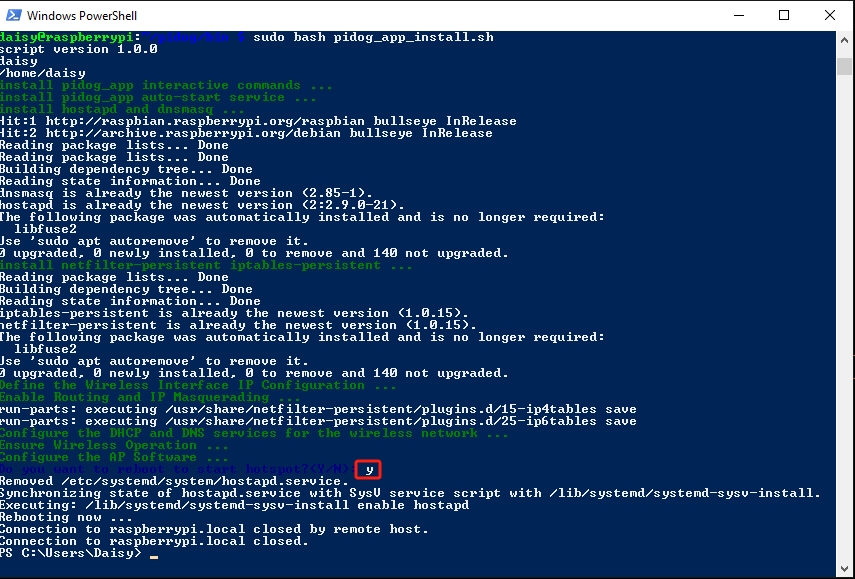
重启后,PiDog 将自动启动控制脚本。然后您可以 使用 APP 控制 PiDog。
警告
如果您希望运行其他脚本,请先执行 pidog_app disable 来禁用自动启动。