Bemerkung
Hallo und willkommen in der SunFounder Raspberry Pi & Arduino & ESP32 Enthusiasten-Gemeinschaft auf Facebook! Tauchen Sie tiefer ein in die Welt von Raspberry Pi, Arduino und ESP32 mit anderen Enthusiasten.
Warum beitreten?
Expertenunterstützung: Lösen Sie Nachverkaufsprobleme und technische Herausforderungen mit Hilfe unserer Gemeinschaft und unseres Teams.
Lernen & Teilen: Tauschen Sie Tipps und Anleitungen aus, um Ihre Fähigkeiten zu verbessern.
Exklusive Vorschauen: Erhalten Sie frühzeitigen Zugang zu neuen Produktankündigungen und exklusiven Einblicken.
Spezialrabatte: Genießen Sie exklusive Rabatte auf unsere neuesten Produkte.
Festliche Aktionen und Gewinnspiele: Nehmen Sie an Gewinnspielen und Feiertagsaktionen teil.
👉 Sind Sie bereit, mit uns zu erkunden und zu erschaffen? Klicken Sie auf [here] und treten Sie heute bei!
2. Funktionsdemonstration
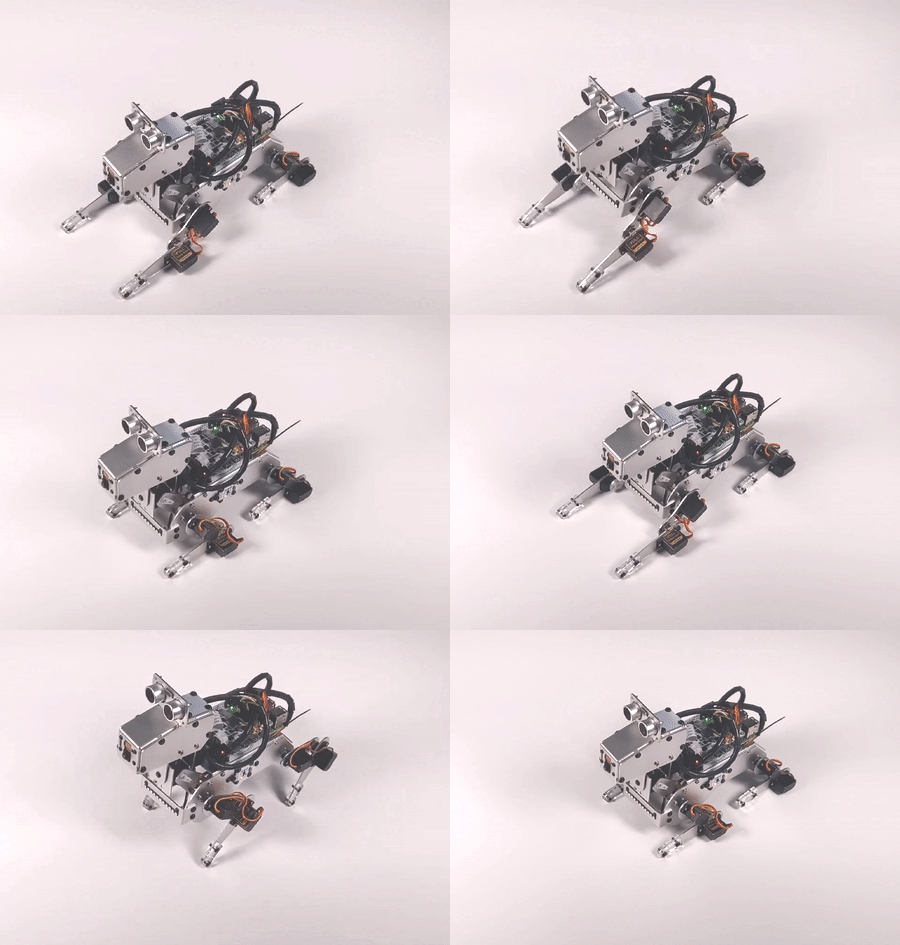
Dieses Projekt zeigt Ihnen alle üblichen Aktionen und Geräusche von PiDog.
Sie können PiDog Aktionen ausführen oder Geräusche machen lassen, indem Sie die Seriennummer eingeben.
Die derzeit in diesem Beispiel enthaltenen Bewegungs-/Soundeffekte sind unten aufgeführt.
Actions: |
Sound Effect: |
|---|---|
1.stand |
16.angry |
2.sit |
17.confused_1 |
3.lie |
18.confused_2 |
4.lie_with_hands_out |
19.confused_3 |
5.trot |
20.growl_1 |
6.forward |
21.growl_2 |
7.backward |
22.howling |
8.turn_left |
23.pant |
9.turn_right |
24.single_bark_1 |
10.doze_off |
25.single_bark_2 |
11.stretch |
26.snoring |
12.pushup |
27.woohoo |
13.shake_head |
|
14.tilting_head |
|
15.wag_tail |
Code ausführen
cd ~/pidog/examples
sudo python3 2_function_demonstration.py
Nachdem Sie dieses Beispiel ausgeführt haben, geben Sie 1 ein und drücken Sie ENTER, PiDog wird stehen; geben Sie 2 ein, PiDog wird sich hinsetzen; geben Sie 27 ein, PiDog wird „woohoo~ „ von sich geben.
Drücken Sie Ctrl+C, um das Programm zu beenden.
Code
Bemerkung
Sie können den unten stehenden Code modifizieren/zurücksetzen/kopieren/ausführen/stoppen. Bevor Sie das tun, müssen Sie jedoch zum Quellcode-Pfad wie pidog\examples gehen. Nachdem Sie den Code modifiziert haben, können Sie ihn direkt ausführen, um den Effekt zu sehen.
#!/usr/bin/env python3
from time import sleep
from pidog import Pidog
import os
import curses
import curses_utils

# init pidog
# ======================================
my_dog = Pidog()
sleep(0.5)

# global variables
# ======================================
actions = [
    # name, head_pitch_adjust(-1, use last_pitch), speed
    ['stand', 0, 50],
    ['sit', -30, 50],
    ['lie', 0, 20],
    ['lie_with_hands_out', 0,  20],
    ['trot', 0, 95],
    ['forward', 0, 98],
    ['backward', 0, 98],
    ['turn_left', 0, 98],
    ['turn_right', 0, 98],
    ['doze_off', -30, 90],
    ['stretch', 20, 20],
    ['push_up', -30, 50],
    ['shake_head', -1, 90],
    ['tilting_head', -1, 60],
    ['wag_tail', -1, 100],
]
actions_len = len(actions)

sound_effects = []
# change working directory
abspath = os.path.abspath(os.path.dirname(__file__))
# print(abspath)
os.chdir(abspath)
for name in os.listdir('../sounds'):
    sound_effects.append(name.split('.')[0])
sound_effects.sort()
sound_len = len(sound_effects)
# limit sound quantity
if sound_len > actions_len:
    sound_len = actions_len
    sound_effects = sound_effects[:actions_len]

last_index = 0
last_display_index = 0
exit_flag = False
last_head_pitch = 0

STANDUP_ACTIONS = ['trot', 'forward', 'backward', 'turn_left', 'turn_right']

# define pad size
# ======================================
curses_utils.PAD_Y = 22
curses_utils.PAD_X = 70

# display fuctions
# ======================================
def display_head(subpad):
    title = "Function Demonstration"
    tip1 = "Input Function number to see how it goes."
    tip2 = "Actions will repeat 10 times."
    type_name_1 = "Actions:"
    type_name_2 = "Sound Effect:"
    tip3 = "(need to run with sudo)"

    curses_utils.clear_line(subpad, 0, color=curses_utils.BLACK_BLUE)
    subpad.addstr(0, 2, title, curses_utils.BLACK_BLUE | curses.A_BOLD)
    subpad.addstr(1, 2, tip1, curses_utils.GRAY)
    subpad.addstr(2, 2, tip2, curses_utils.GRAY)
    curses_utils.clear_line(subpad, 3, color=curses_utils.WHITE_GRAY)
    subpad.addstr(3, 2, type_name_1, curses_utils.WHITE_GRAY)
    subpad.addstr(3, 30, type_name_2, curses_utils.WHITE_GRAY)
    subpad.addstr(3, 31+len(type_name_2), tip3, curses_utils.YELLOW_GRAY)

def display_selection(subpad, index):
    global last_display_index
    # reset last selection
    if last_display_index > actions_len + sound_len-1 or last_display_index < 0:
        last_display_index = 0
    if last_display_index != index:
        if last_display_index < actions_len:
            subpad.addstr(last_display_index, 2, f"{last_display_index+1}. {actions[last_display_index][0]}", curses_utils.LIGHT_GRAY)
        else:
            sound_index = last_display_index-actions_len
            subpad.addstr(sound_index, 30, f"{last_display_index+1}. {sound_effects[sound_index]}", curses_utils.LIGHT_GRAY)
        last_display_index = index
    # highlight currernt selection
    if index > actions_len + sound_len-1 or index < 0:
        pass
    elif index < actions_len:
        subpad.addstr(index, 2, f"{index+1}. {actions[index][0]}", curses_utils.WHITE_BLUE)
    else:
        sound_index = index-actions_len
        subpad.addstr(sound_index, 30, f"{index+1}. {sound_effects[sound_index]}", curses_utils.WHITE_BLUE)

def display_actions(subpad):
    for i in range(actions_len):
        subpad.addstr(i, 2, f"{i+1}. {actions[i][0]}", curses_utils.LIGHT_GRAY)
    for i in range(sound_len):
        subpad.addstr(i, 30, f"{i+actions_len+1}. {sound_effects[i]}", curses_utils.LIGHT_GRAY)

def display_bottom(subpad):
    curses_utils.clear_line(subpad, 0, color=curses_utils.WHITE_GRAY)
    subpad.addstr(0, 0, "Enter function number: ", curses_utils.WHITE_GRAY)
    subpad.addstr(0, curses_utils.PAD_X-16, "Ctrl^C to quit", curses_utils.WHITE_GRAY)


def do_function(index):
    global last_index, last_head_pitch
    my_dog.body_stop()
    if index < 0:
        return
    if index < actions_len:
        name, head_pitch_adjust, speed = actions[index]
        # If last action is push_up, then lie down first
        if last_index < len(actions) and actions[last_index][0] in ('push_up'):
            last_head_pitch = 0
            my_dog.do_action('lie', speed=60)
        # If this action is trot, forward, turn left, turn right and backward, and, last action is not, then stand up
        if name in STANDUP_ACTIONS and last_index < len(actions) and actions[last_index][0] not in STANDUP_ACTIONS:
            last_head_pitch = 0
            my_dog.do_action('stand', speed=60)
        if head_pitch_adjust != -1:
            last_head_pitch = head_pitch_adjust
        my_dog.head_move_raw([[0, 0, last_head_pitch]], immediately=False, speed=60)
        my_dog.do_action(name, step_count=10, speed=speed, pitch_comp=last_head_pitch)
        last_index = index
    elif index < actions_len + sound_len:
        my_dog.speak(sound_effects[index - len(actions)], volume=80)
        last_index = index

def main(stdscr):
    # reset screen
    stdscr.clear()
    stdscr.move(4, 0)
    stdscr.refresh()

    # disable cursor
    curses.curs_set(0)

    # init color
    curses.start_color()
    curses.use_default_colors()
    curses_utils.init_preset_colors()
    curses_utils.init_preset__color_pairs()

    # init pad
    pad = curses.newpad(curses_utils.PAD_Y, curses_utils.PAD_X)

    # init subpad
    head_pad = pad.subpad(4, curses_utils.PAD_X, 0, 0)
    selection_pad = pad.subpad(actions_len, curses_utils.PAD_X, 4, 0)
    bottom_pad = pad.subpad(1, curses_utils.PAD_X, actions_len+4, 0)
    # add content to a
    display_head(head_pad)
    display_actions(selection_pad)
    display_head(head_pad)
    curses_utils.pad_refresh(pad)
    curses_utils.pad_refresh(selection_pad)

    # for i in range(2):
    #     for i in range(30):
    #         display_selection(selection_pad, i)
    #         curses_utils.pad_refresh(selection_pad)
    #         sleep(0.1)

    # enable cursor and echo
    curses.curs_set(0)
    curses.echo()

    while True:
        # draw bottom bar
        display_bottom(bottom_pad)
        curses_utils.pad_refresh(bottom_pad)
        # reset cursor
        stdscr.move(actions_len+4, 23)
        stdscr.refresh()
        # red key
        key = stdscr.getstr()
        try:
            index = int(key) - 1
        except ValueError:
            index = -1
        # display selection
        display_selection(selection_pad, index)
        curses_utils.pad_refresh(selection_pad)
        # do fuction
        do_function(index)

        sleep(0.2)

if __name__ == "__main__":
    try:
        curses.wrapper(main)
    except KeyboardInterrupt:
        pass
    except Exception as e:
        print(f"\033[31mERROR: {e}\033[m")
    finally:
        my_dog.close()