Note
Hello, welcome to the SunFounder Raspberry Pi & Arduino & ESP32 Enthusiasts Community on Facebook! Dive deeper into Raspberry Pi, Arduino, and ESP32 with fellow enthusiasts.
Why Join?
Expert Support: Solve post-sale issues and technical challenges with help from our community and team.
Learn & Share: Exchange tips and tutorials to enhance your skills.
Exclusive Previews: Get early access to new product announcements and sneak peeks.
Special Discounts: Enjoy exclusive discounts on our newest products.
Festive Promotions and Giveaways: Take part in giveaways and holiday promotions.
👉 Ready to explore and create with us? Click [here] and join today!
What Else Do You Need?
Before we start playing with this kit, let’s prepare the essential hardware.
Required Components
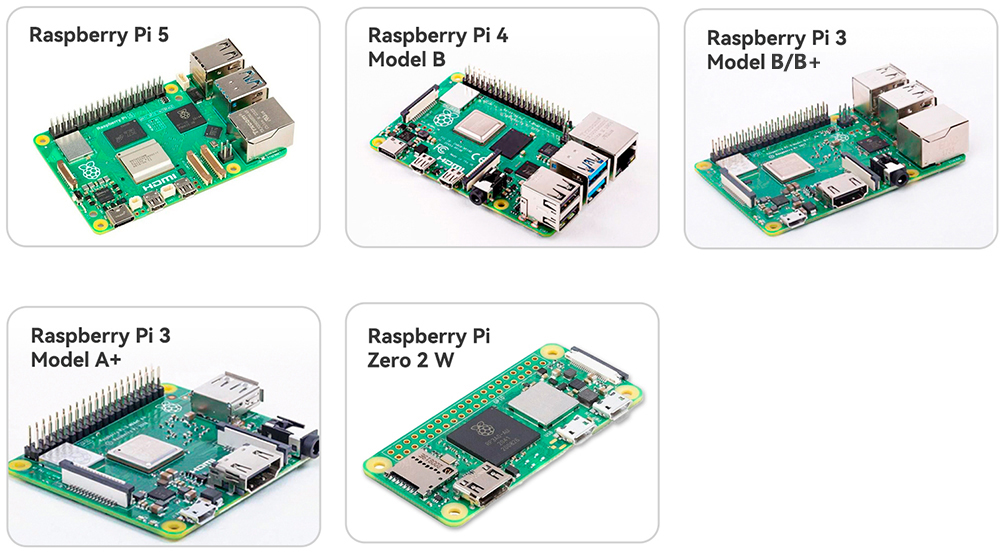
Raspberry Pi
The Raspberry Pi acts as the brain, handling all computing, sensing, and control tasks.
Compatible models: Raspberry Pi 5, Raspberry Pi 4, 3, or Raspberry Pi Zero 2W
Power Adapter
Prepare a suitable power supply based on your Raspberry Pi model:
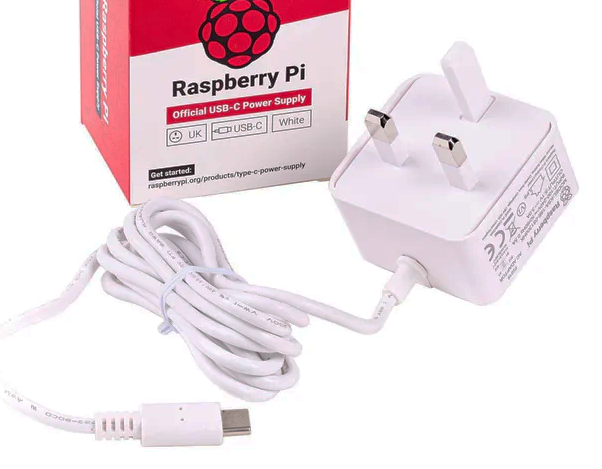
Raspberry Pi 5: 5V 5A USB-C (recommended: official 27W PD power supply).
Raspberry Pi 4: 5V 3A USB-C.
Raspberry Pi 3B/3B+: 5V 2.5A Micro-USB.
Raspberry Pi Zero 2W: 5V 2A Micro-USB.
Using a stable power source helps prevent undervoltage and ensures reliable operation.
Micro SD Card
The Raspberry Pi does not have a built-in hard drive. It boots and stores all files on a Micro SD card.
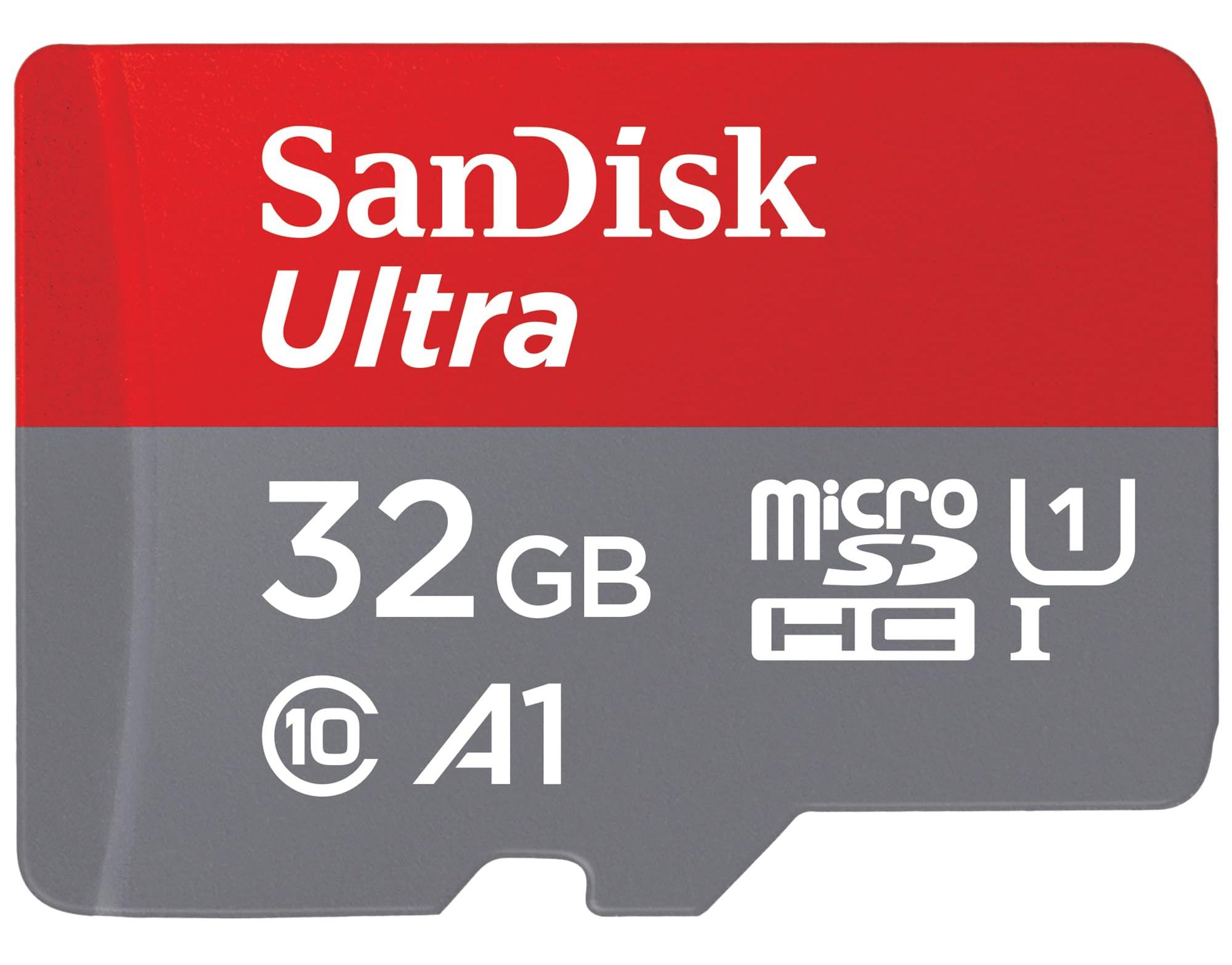
Minimum: 16GB
Recommended: 32GB for better stability
Brand: Use reliable options such as SanDisk or Samsung to avoid read/write errors
Optional Components
Although not strictly required, the following peripherals will greatly improve your learning and debugging experience:
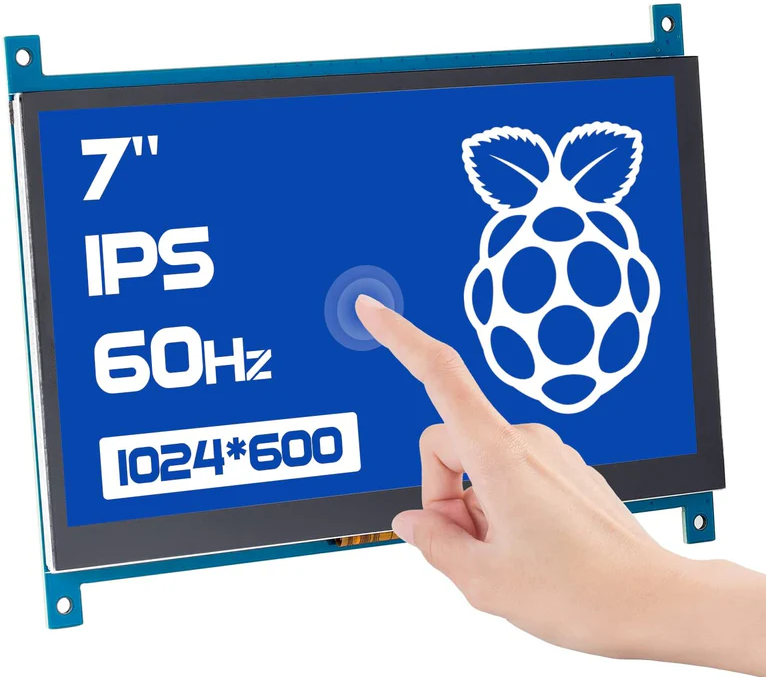
Monitor (HDMI or TV)
For beginners, we strongly recommend a display with an HDMI input, so you can easily configure Raspberry Pi OS and run graphical programs.
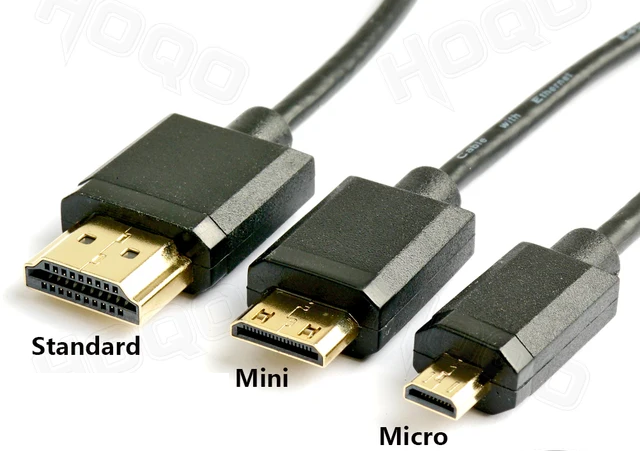
HDMI Cable (Standard / Mini / Micro)
Different Raspberry Pi models use different HDMI connectors, be sure to check your Pi model and prepare the correct cable.
Raspberry Pi 4 / 5: Micro HDMI
Raspberry Pi 3: Standard HDMI
Raspberry Pi Zero 2W: Mini HDMI
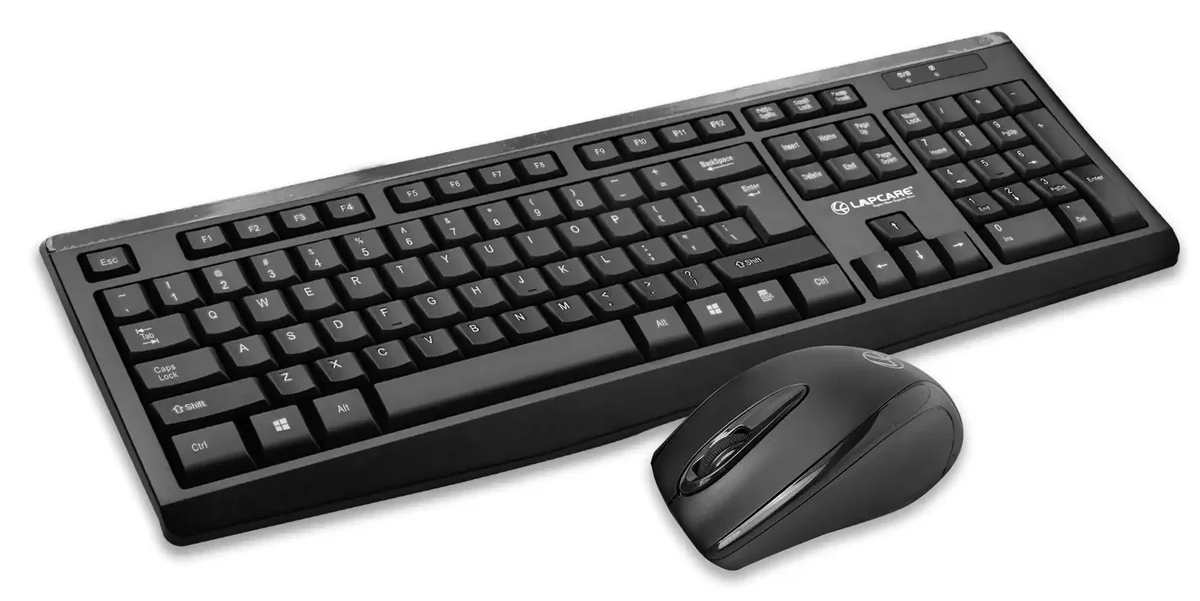
Keyboard & Mouse
Very useful during the initial setup of Raspberry Pi OS. Later, you may switch to remote access (SSH/VNC), but for beginners we recommend preparing a basic USB or wireless set.
Tips for Preparation
If you purchased this kit, most accessories are included, but you still need to prepare the Raspberry Pi board, Micro SD card, and power adapter separately.
Not sure what to buy? The most stable and universal choice is: Raspberry Pi 4/5 (2GB) + Official Power Supply + 32GB Micro SD card.