Note
Hello, welcome to the SunFounder Raspberry Pi & Arduino & ESP32 Enthusiasts Community on Facebook! Dive deeper into Raspberry Pi, Arduino, and ESP32 with fellow enthusiasts.
Why Join?
Expert Support: Solve post-sale issues and technical challenges with help from our community and team.
Learn & Share: Exchange tips and tutorials to enhance your skills.
Exclusive Previews: Get early access to new product announcements and sneak peeks.
Special Discounts: Enjoy exclusive discounts on our newest products.
Festive Promotions and Giveaways: Take part in giveaways and holiday promotions.
👉 Ready to explore and create with us? Click [here] and join today!
10. Light Alarm Clock
In life, there are various kinds of time alarm clocks. Now let’s make a light-controlled alarm clock. When morning comes, the brightness of light increases and this light-controlled alarm clock will remind you that it’s time to get up.
You Will Learn
Photoresistor working principle
Stopping sound playback and stopping scripts from running
Build the Circuit
A photoresistor or photocell is a light-controlled variable resistor. The resistance of a photoresistor decreases with increasing incident light intensity.
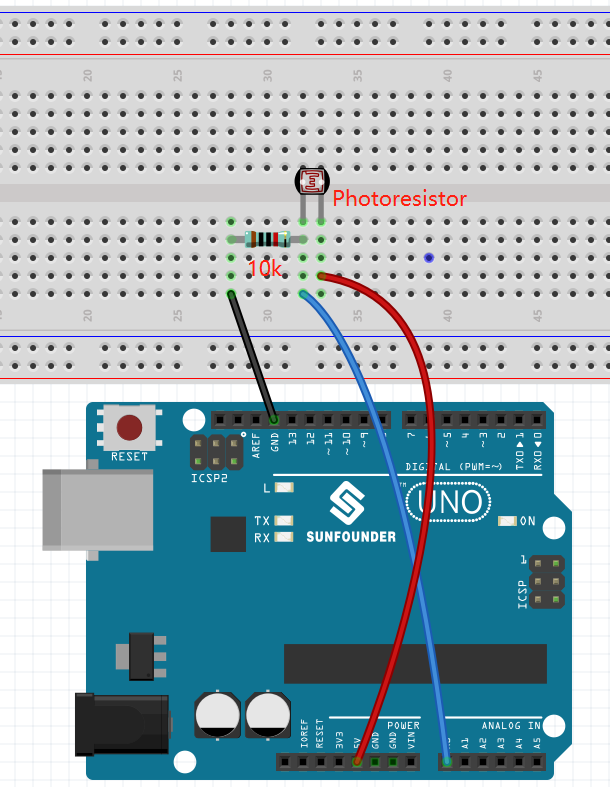
Build the circuit according to the following diagram.
Connect one end of the photoresistor to 5V, the other end to A0, and connect a 10K resistor in series with GND at this end.
So when the light intensity increases, the resistance of a photoresistor decreases, the voltage division of the 10K resistor increases, and the value obtained by A0 becomes larger.
Programming
1. Select a sprite
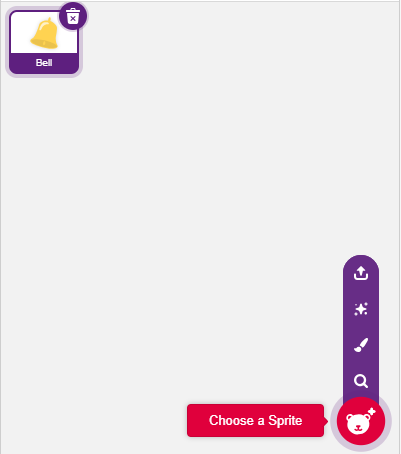
Delete the default sprite, click the Choose a Sprite button in the lower right corner of the sprite area, enter bell in the search box, and then click to add it.
2. Read the value of A0
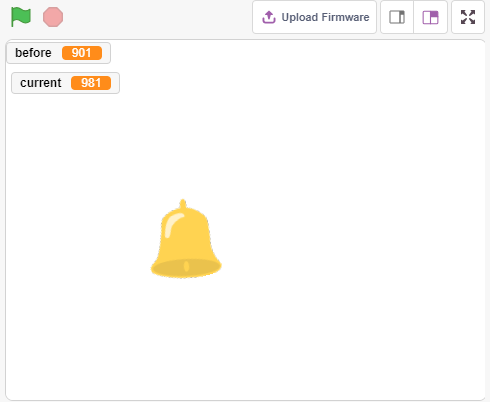
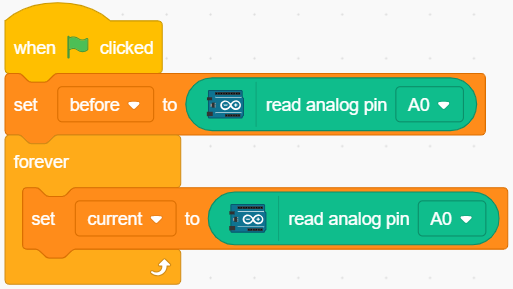
Create two variables before and current. When green flag is clicked, read the value of A0 and store it in variable before as a reference value. In [forever], read the value of A0 again, store it in the variable current.
3. Make a sound
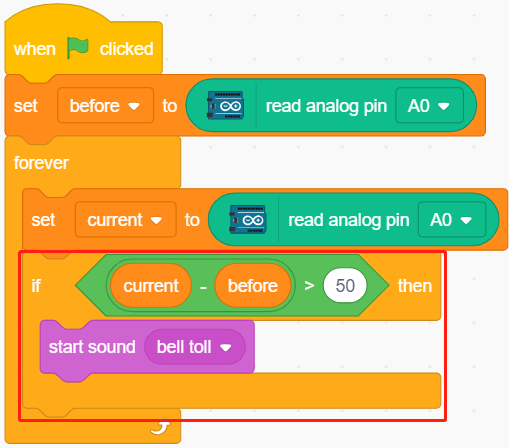
When the value of current A0 is greater than the previous 50, which represents the current light intensity is greater than the threshold, then let the sprite make a sound.
4. Turning the sprite
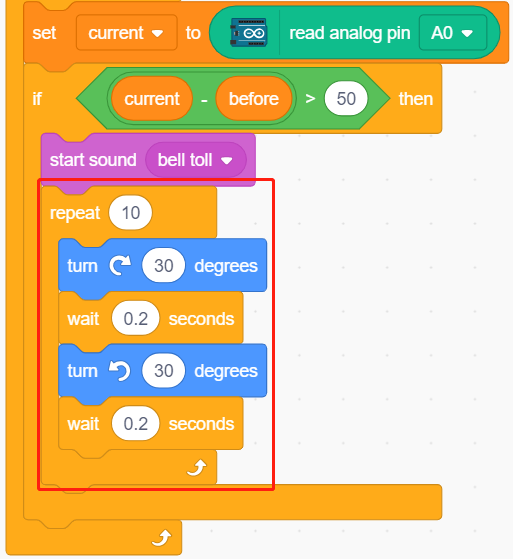
Use [turn block] to make the bell sprite turn left and right to achieve the alarm effect.
5. stop all
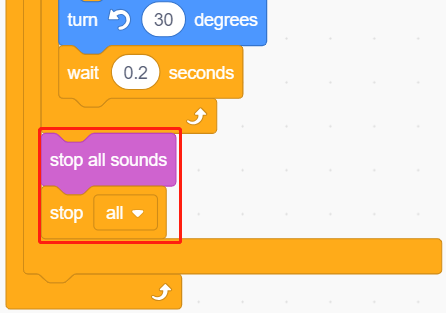
Stops the alarm when it has been ringing for a while.