Note
Welcome to the SunFounder Raspberry Pi, Arduino & ESP32 Community on Facebook!
Get technical support and troubleshooting help.
Learn and share projects, tips, and tutorials.
Access early product previews and updates.
Enjoy exclusive discounts and giveaways.
👉 Join us here: [here]
Installing Raspberry Pi OS
You can choose an installation method based on whether you have a Micro SD card or an NVMe SSD available.
Using a Micro SD Card Only
If you are only using a Micro SD card, you can simply follow the first method below.
Using an M.2 NVMe SSD
If you have an M.2 NVMe SSD Enclosure Adapter, you can connect your SSD to your computer using the adapter and follow the second method to install the OS.
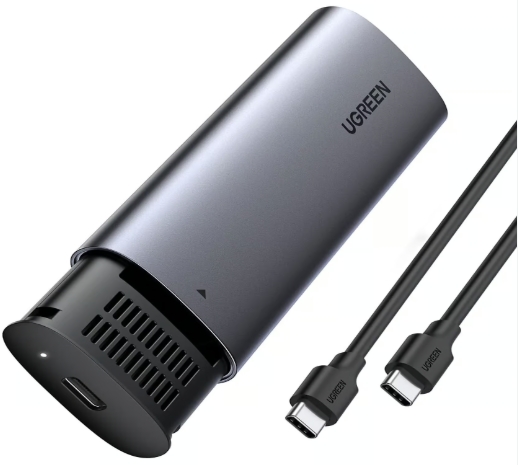
If you do not have the adapter shown above, you can first install the OS on a Micro SD card using the first method, then use the third method to copy the system from the Micro SD card to your M.2 NVMe SSD.