Note
Hello, welcome to the SunFounder Raspberry Pi & Arduino & ESP32 Enthusiasts Community on Facebook! Dive deeper into Raspberry Pi, Arduino, and ESP32 with fellow enthusiasts.
Why Join?
Expert Support: Solve post-sale issues and technical challenges with help from our community and team.
Learn & Share: Exchange tips and tutorials to enhance your skills.
Exclusive Previews: Get early access to new product announcements and sneak peeks.
Special Discounts: Enjoy exclusive discounts on our newest products.
Festive Promotions and Giveaways: Take part in giveaways and holiday promotions.
👉 Ready to explore and create with us? Click [here] and join today!
FAQ
About the Assembly
Q1: After assembly and program download, the Rollarm’s four axes are in wired position, some maybe out of control. What should I do?
Remember to power on and calibrate each Servo before assembly, please refer to Calibrate the Servo Angle.
If it has been calibrated, but after running
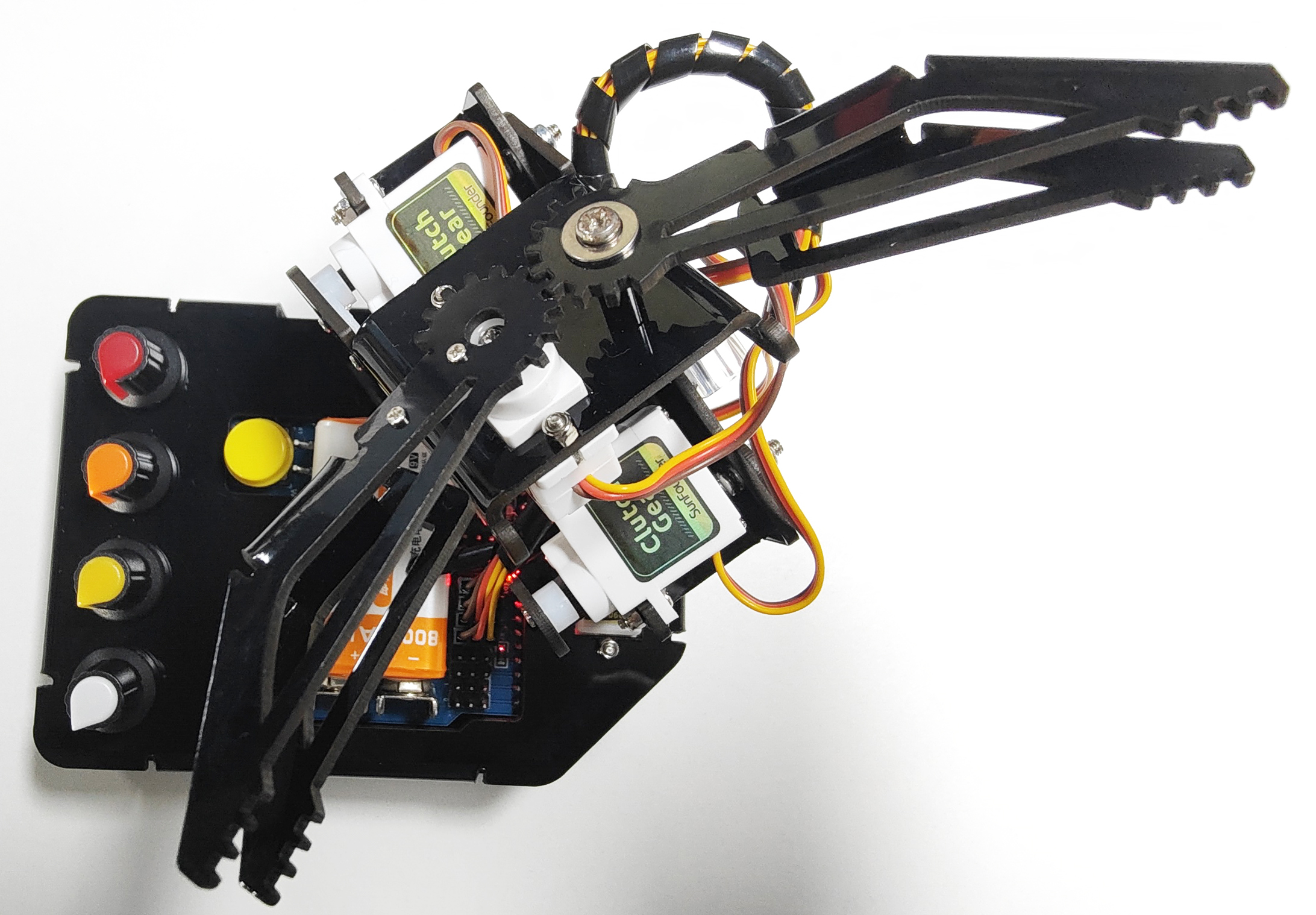
Rollarm.ino, it is at the angle shown below, but if you screw all 4 potentiometers to the forward-facing position and can return to the way it was just assembled, it is normal.
About the Arduino Code Control
Q1: When I open a program, it prompts me that a new folder should be created. After I click Yes and a new folder is created, the main program reports an error when I want to open the main program. What’s going wrong?
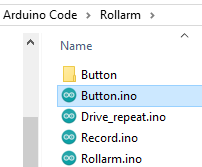
A: DO NOT open these subprograms under Arduino code\\Rollarm separately:
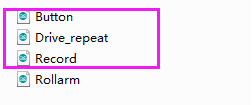
If you open the subprograms separately, a window will pop up like this:
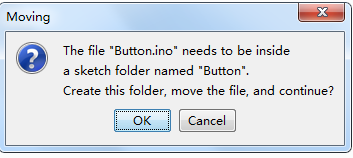
If a new folder has been created for the subprogram, please cut the subprogram file to the original directory Arduino code\\Rollarm. Reopen the main program: