注釈
こんにちは、SunFounder Raspberry Pi & Arduino & ESP32 Enthusiasts Community on Facebookへようこそ! Raspberry Pi、Arduino、ESP32について、愛好家仲間とより深く探求しましょう。
参加する理由
専門家によるサポート: コミュニティとチームの助けを借りて、アフターセールスの問題や技術的な課題を解決します。
学びと共有: ヒントやチュートリアルを交換して、スキルを向上させましょう。
先行プレビュー: 新製品の発表や先行情報をいち早く入手できます。
特別割引: 新製品の限定割引をお楽しみいただけます。
お祭りプロモーションとプレゼント: プレゼントキャンペーンやホリデープロモーションに参加しましょう。
👉 私たちと一緒に探求し、創造する準備はできましたか? [here] をクリックして、今すぐ参加しましょう!
1. What Else Should We Prepare?
Before assembling and using your Pironman 5 Pro MAX, please make sure you have the following components ready. Some items are required for basic operation, while others are optional and depend on how you plan to use your Raspberry Pi.
Required Components
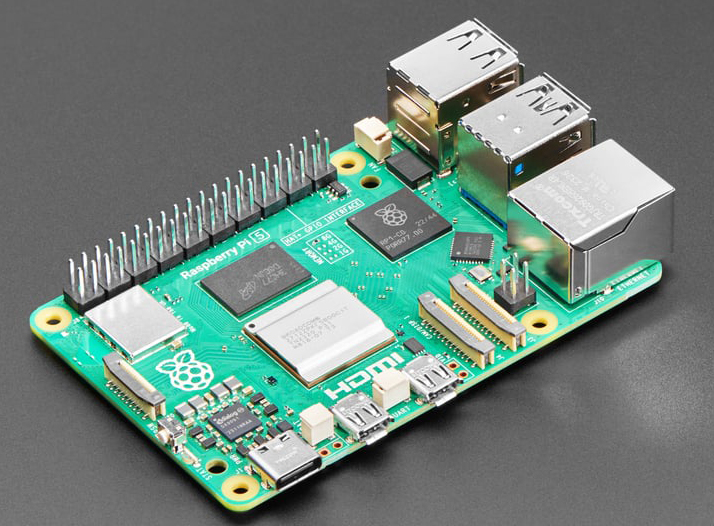
Raspberry Pi 5
The Pironman 5 Pro MAX is fully compatible with the Raspberry Pi 5.
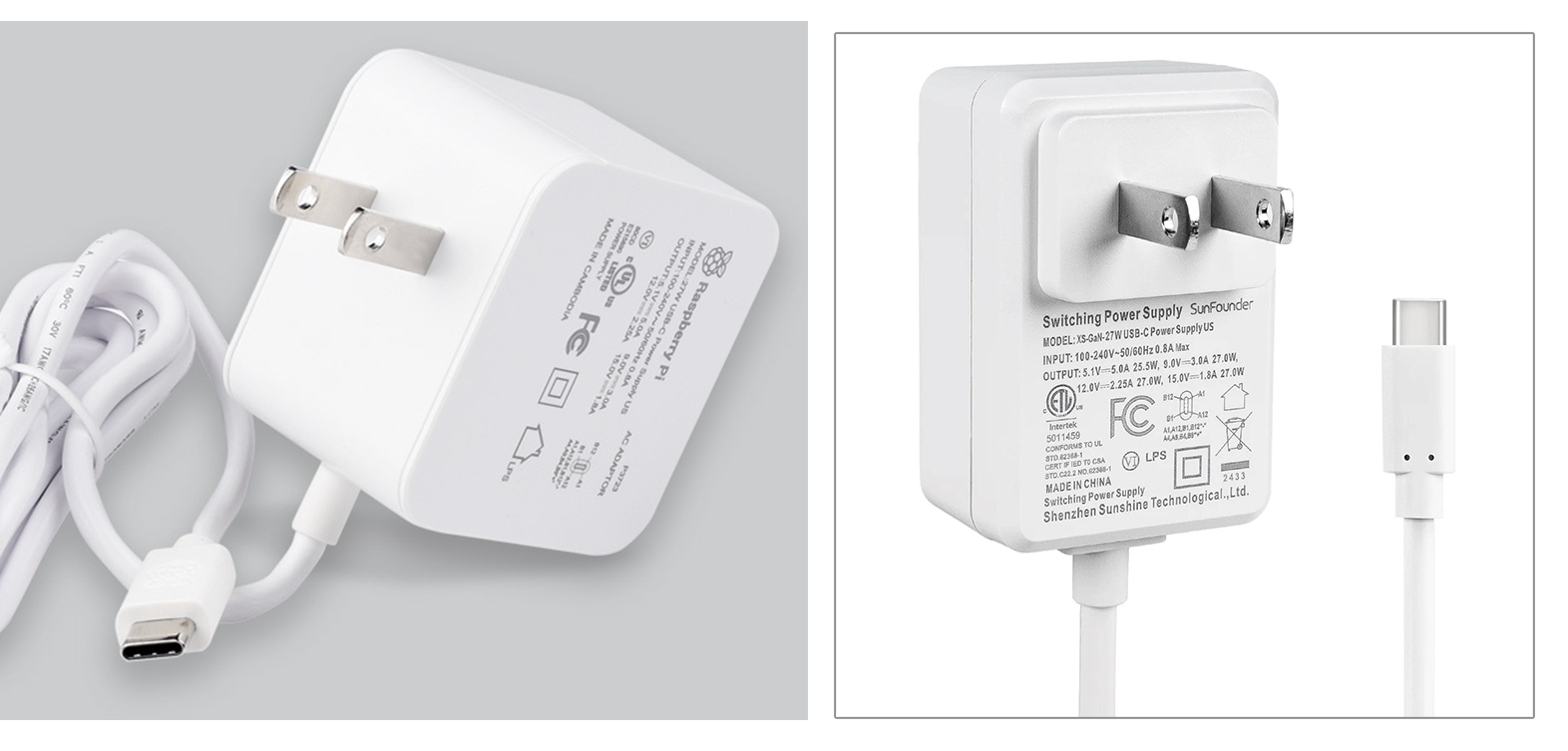
27W Power Supply
It is recommended to use the official 27W power supply or SunFounder 27W PD Power Supply for the Pironman 5 series products to avoid insufficient power supply, which may cause the Raspberry Pi 5 to reboot.
Micro SD Card
The Raspberry Pi does not have a built-in hard drive. It boots and stores all files on a Micro SD card.
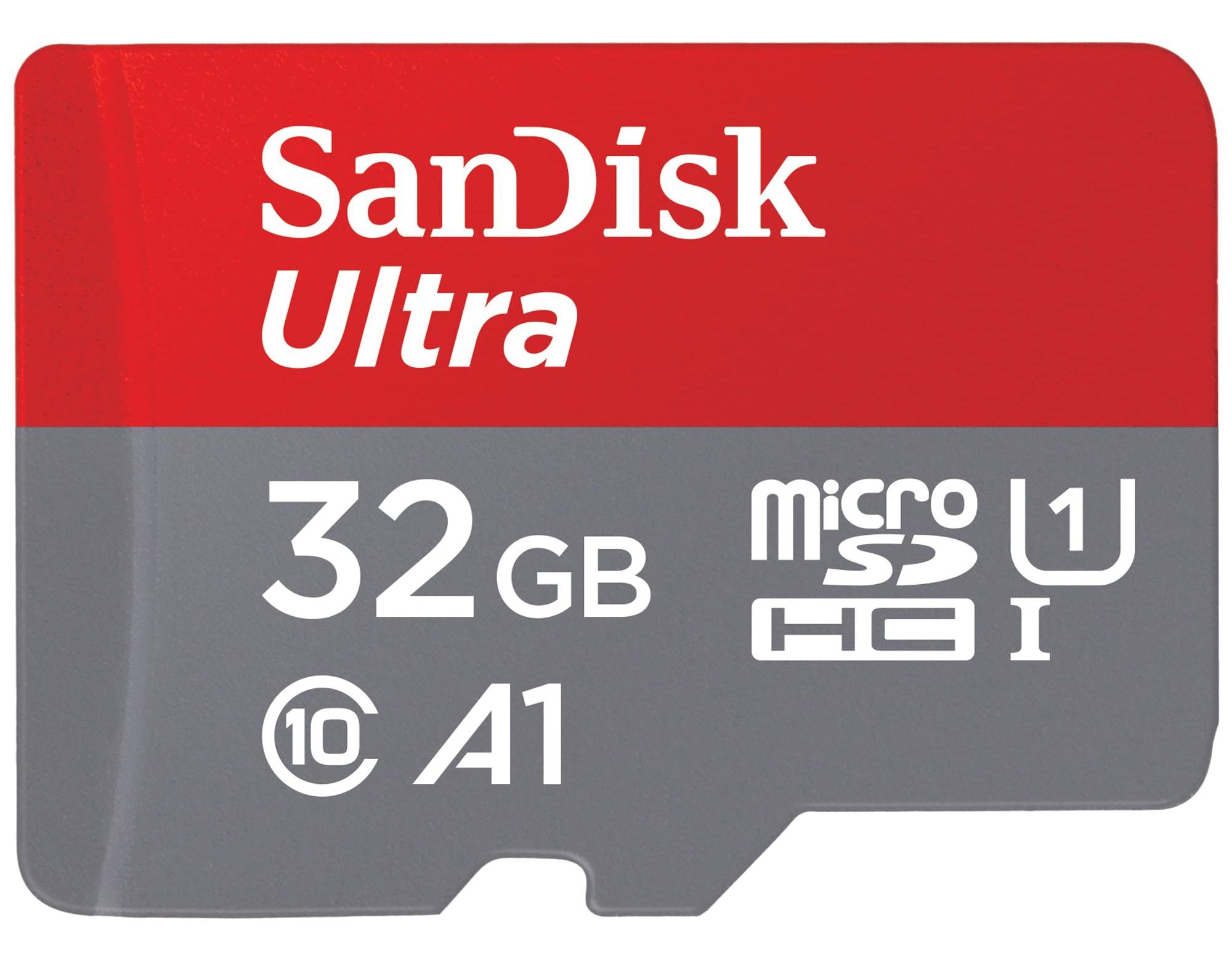
Minimum: 16GB
Recommended: 32GB for better stability
Brand: Use reliable options such as SanDisk or Samsung to avoid read/write errors
Optional Components
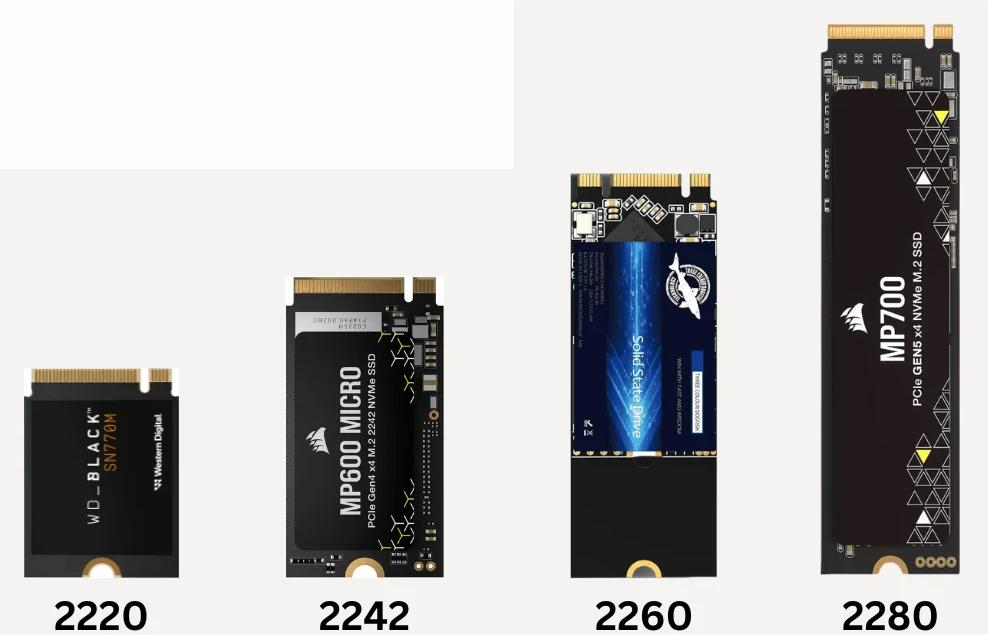
M.2 NVMe SSD
The Pironman 5 Pro MAX is equipped with an NVMe PIP that provides two M.2 SSD connectors, supporting four NVMe M.2 SSD form factors: 2230, 2242, 2260, and 2280. The interface operates at PCIe Gen2.0 speeds (Gen3 is not supported).
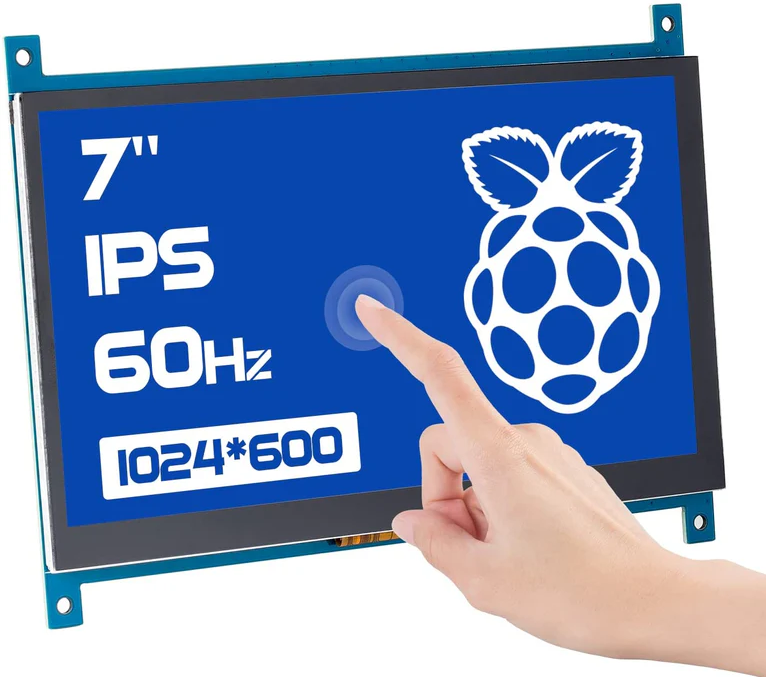
Monitor (HDMI or TV)
For beginners, we strongly recommend a display with an HDMI input, so you can easily configure Raspberry Pi OS and run graphical programs.
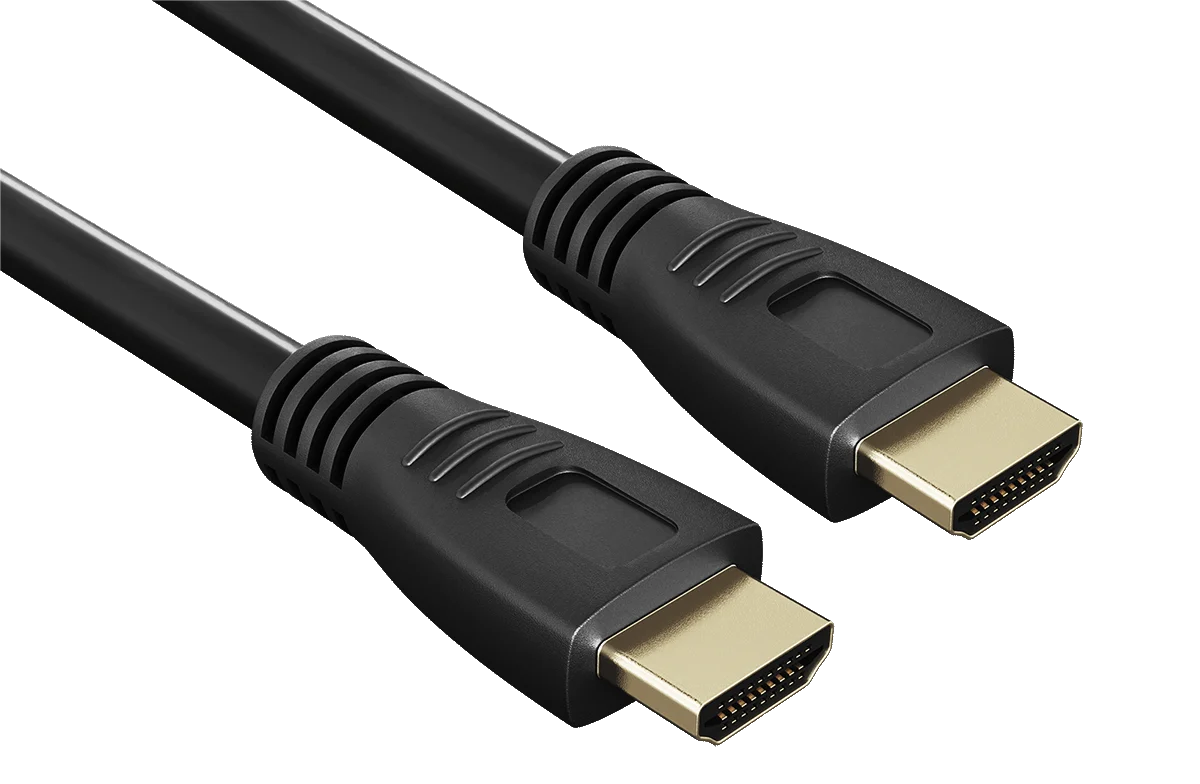
HDMI Cable
The Raspberry Pi 5's HDMI ports have been adapted to standard HDMI Type A interfaces via a USB HDMI adapter. Therefore, a standard HDMI to HDMI cable is needed to connect the Pironman 5 Pro MAX to a display.
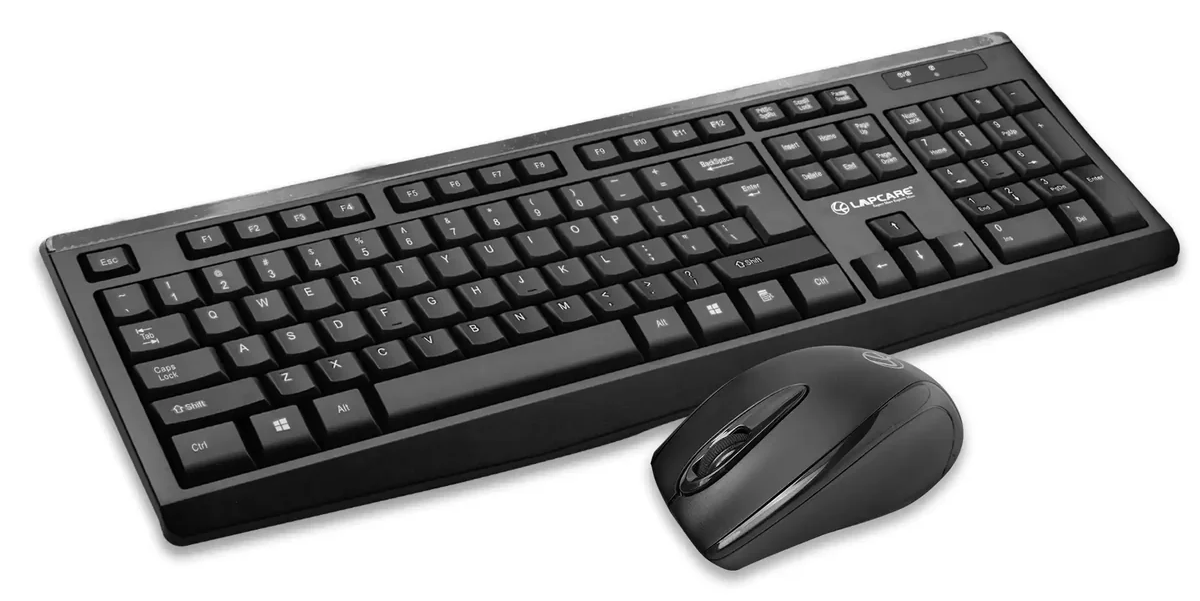
Keyboard & Mouse
Very useful during the initial setup of Raspberry Pi OS. Later, you may switch to remote access (SSH/VNC), but for beginners we recommend preparing a basic USB or wireless set.
Tips for Preparation
If you purchased this kit, most accessories are included, but you still need to prepare the Raspberry Pi board, Micro SD card, and power adapter separately.
Not sure what to buy? The most stable and universal choice is: Raspberry Pi 5 (2GB) + Official Power Supply + 32GB Micro SD card.