FAQ
Q1: Compilation error: SoftPWM.h: No such file or directory?
If you get a “Compilation error: SoftPWM.h: No such file or directory” prompt, it means you don’t have the SoftPWM library installed.
Please refer to Install the Required Libraries to install the two required libraries SoftPWM and IRLremote.
Q2: avrdude: stk500_getsync() attempt 10 of 10: not in sync: resp=0x6e?
If the following message keeps appearing after clicking the Upload button when the board and port have been selected correctly.
avrdude: stk500_recv(): programmer is not responding
avrdude: stk500_getsync() attempt 1 of 10: not in sync: resp=0x00
avrdude: stk500_recv(): programmer is not responding
avrdude: stk500_getsync() attempt 2 of 10: not in sync: resp=0x00
avrdude: stk500_recv(): programmer is not responding
avrdude: stk500_getsync() attempt 3 of 10: not in sync: resp=0x00
At this point, you need to make sure that the ESP32 CAM is unplugged.
The ESP32-CAM and the Arduino board share the same RX (receive) and TX (transmit) pins. So, when you’re uploading code, you’ll need to first disconnect the ESP32-CAM to avoid any conflicts or potential issues.

Q3: How can I use the STT feature on my Android device?
The STT feature requires the Android mobile device to be connected to the Internet and to install the Google service component.
Now follow the steps below.
Modify the AP mode of
Zeus_Car.inofile to STA mode.Open the the
Zeus_Car.inofile located in thezeus-car-main/Zeus_Cardirectory.Then comment out the AP mode related code. Uncomment the STA mode related code and fill in the
SSDandPASSWORDof your home Wi-Fi./** Configure Wifi mode, SSID, password*/ // #define WIFI_MODE WIFI_MODE_AP // #define SSID "Zeus_Car" // #define PASSWORD "12345678" #define WIFI_MODE WIFI_MODE_STA #define SSID "xxxxxxxxxx" #define PASSWORD "xxxxxxxxxx"
Save this code, select the correct board (Arduino Uno) and port, then click the Upload button to upload it to the R3 board.
Search
googlein Google Play, find the app shown below and install it.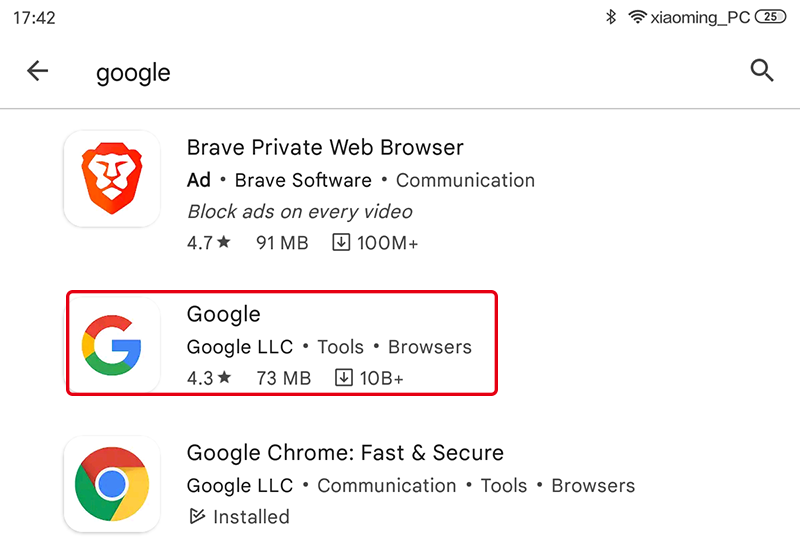
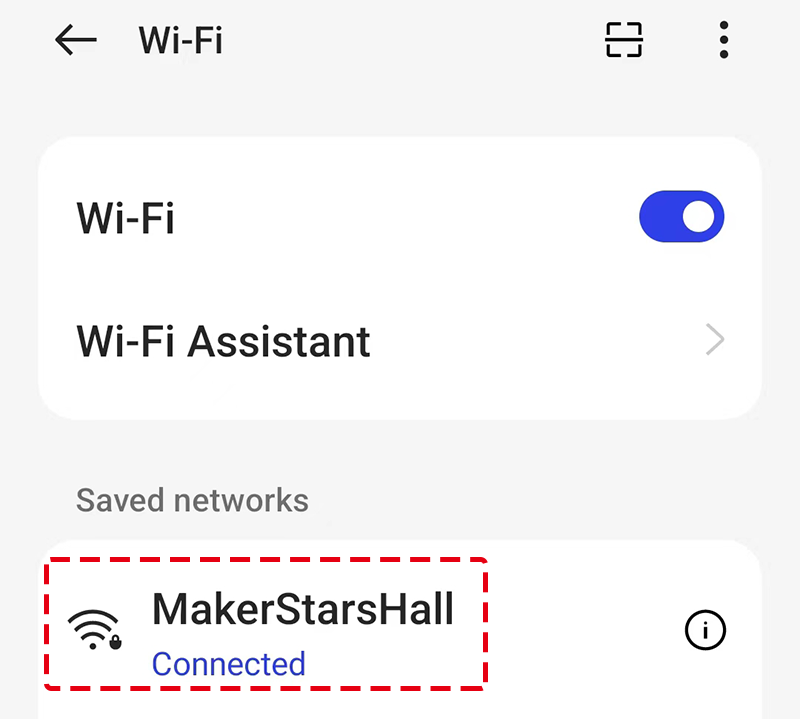
Connect your mobile device to the same Wi-Fi as you wrote in the code.
Open the controller previously created in SunFounder Controller and connect it to
Zeus_Carthrough the button.
Tap and hold the
 widget after clicking the
  button. A prompt will appear indicating that it is listening. Say the following command to move the car.
stop: All movements of the car can be stopped.pasue: The function is basically the same as Stop, but if the head of the car is not facing the direction originally set, it will slowly move to the set direction.forwardbackwardleft forwardleft backwardright forwardright backwardmove leftmove right
Q4: How to reconnect to Mammoth Coding APP?
当你发现你的设备已经断链的时候 When your device is disconnected from GalaxyRVR, you will see this pop-up window appear in the interface. Click reconnect.
If you close the pop-up window, you can also reconnect by clicking this button in the GalaxyRVR category.
Q5: Change AP mode to STA mode
You will need to download the relevant code.
GalaxyRVR Codes
Install IDE, then, install libraries SoftPWM and SunFounder AI Camera. Q2: Compilation error: SoftPWM.h: No such file or directory? .
Then, open the galaxy-rvr.ino file located in the galaxy-rvr-maingalaxy-rvr directory.
Comment out lines 69-71, uncomment lines 73-75, and change SSID and PASSWORD to your WLAN.
_images/ap_sta.png Connect the Arduino and computer with a USB cable, and then turn the upload switch of the car to the upload end.
_images/camera_upload.png Upload your code.